Nyheter

Bondtech

/

News

Events

Learn

News

Team

Products

Sharing

Stories

NEWS

All Duties Included at Checkout for US Customers

A smoother shopping experience for our customers in the US We’re happy to share an update that makes shopping with us even easier. To improve clarity and peace of mind for our US customers, we’ve updated our checkout so that import duties are now included at checkout. This means the [...]

NEWS

New Currency Exchange Policy

Bondtech INDX LEARN NEWS

What IN means, in Bondtech INDX

We unveil more about the Bondtech INDX. What IN means? It relates to a couple of technologies at the core of the INDX's multi-tool capacity.

Bondtech INDX LEARN NEWS

What DX means, in Bondtech INDX

Today we unveil a bit more about the Bondtech INDX. We explain what the DX means, and what is it all about.

Trash it or Read it. Just never miss what is important to you.

Join us in this journey and subscribe to our newsletter to get the latest insights right in your mailbox.

Latest Posts of the Bondtech Blog

Bondtech Black Weekend Is Back

Take the opportunity To Pay Less

Bondtech Black Weekend lasts for 3 days. This year again from Friday to Sunday, 26th till 28th November.

Campaign starts
00:00 Friday
ends
24:00 Sunday,
CET (Swedish) time
.

This time we have 3 different level of discounts.

  • 10% on all Bondtech extruders and Upgrade Kits;
  • 15% on all Bondtech nozzles, including Bondtech CHT®;
  • 20% on
    • Extruder Upgrade for Prusa Mini
    • Bondtech DDX V2
    • DDX v2 accessories (mounts and fan shrouds),

The Black Weekend discounts on extruders, upgrade kits and nozzles are valid only for users that have Customer or Business accounts.

Guests only have access to the discounts already set for products on sale.

To have a Customer or Business account, guest users must register.

The Black Weekend discounts are applied on the cart.

Products On Sale With Extra Discount

These Products On Sale will suffer an additional 10% Black Weekend discount, after added to cart, to fulfill the advertised 20% discount.

Want to know more?

Register yourself or login to leave a Question, Reply or Comment in the section below.

If you didn't already, you can also subscribe to our newsletter to receive the short updates about our new products, updates or technology on your mailbox.

Thank you : )
About The New Ultra Compact Bondtech Extruder

The Bondtech Extruders Gold Standard has a new Star

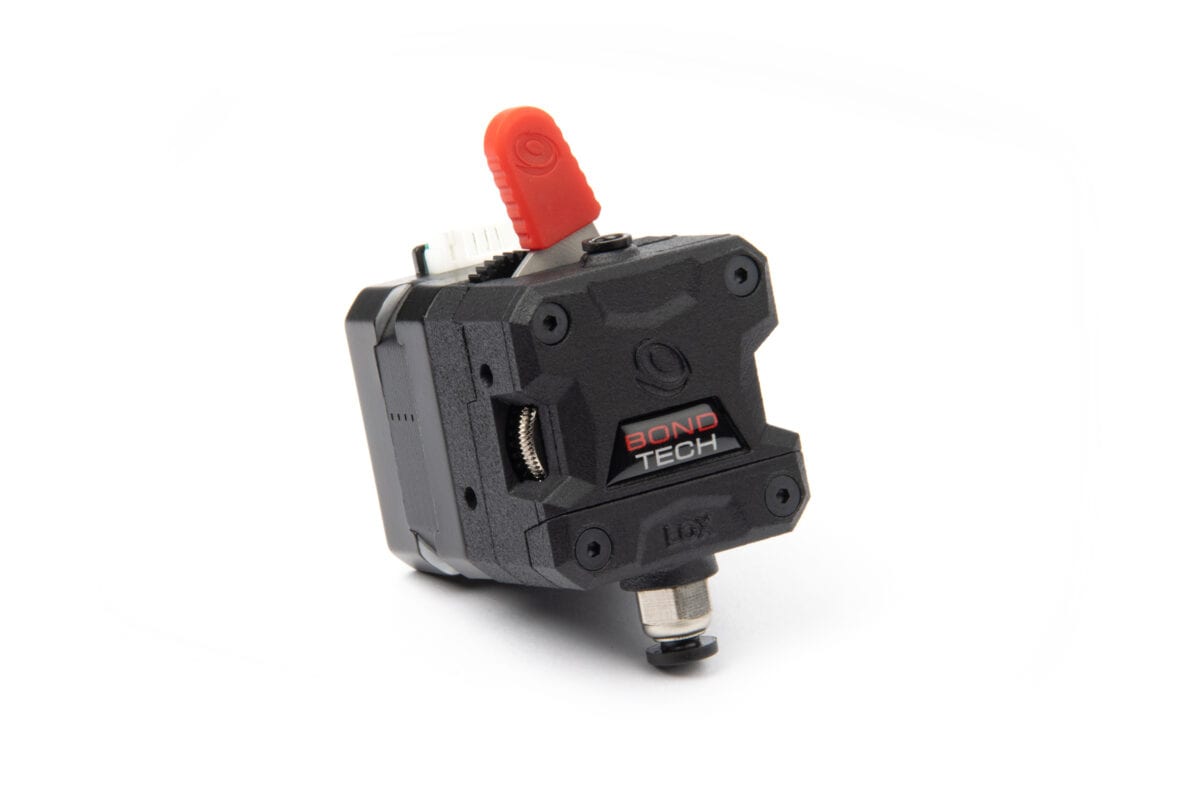
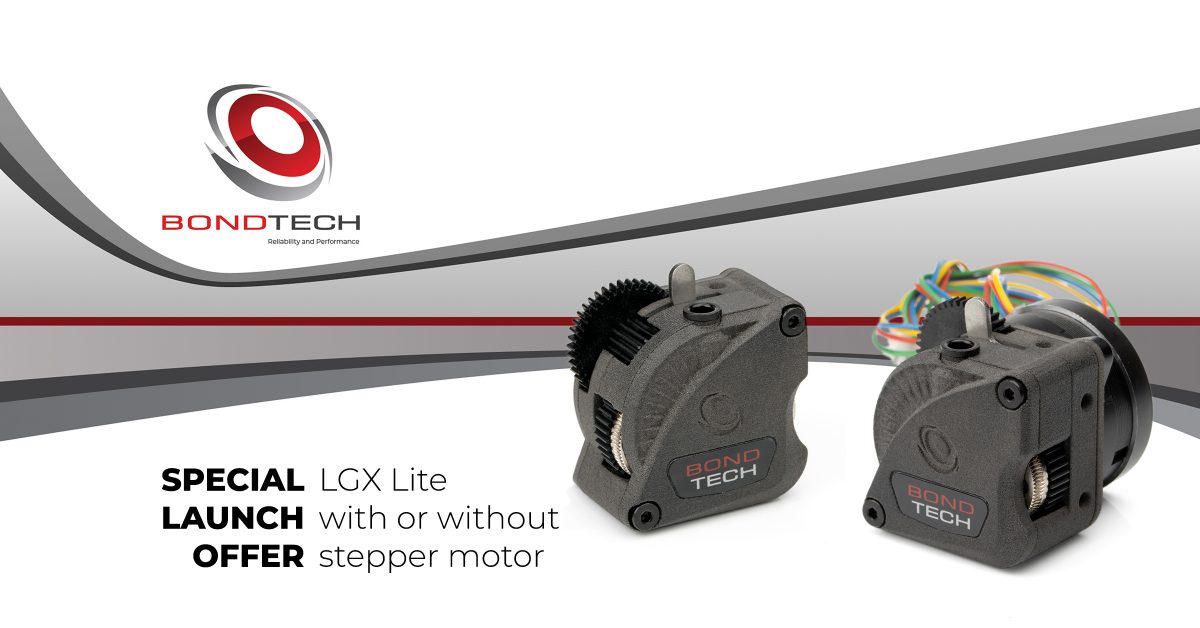
Bondtech has created from its start a meaningful amount of extruders that pushed the industry forward. In our Gold Standard we count the Bondtech Quick Release QR; the Bondtech Mini Geared BMG; and the recent Bondtech Large Gears eXtruder LGX.

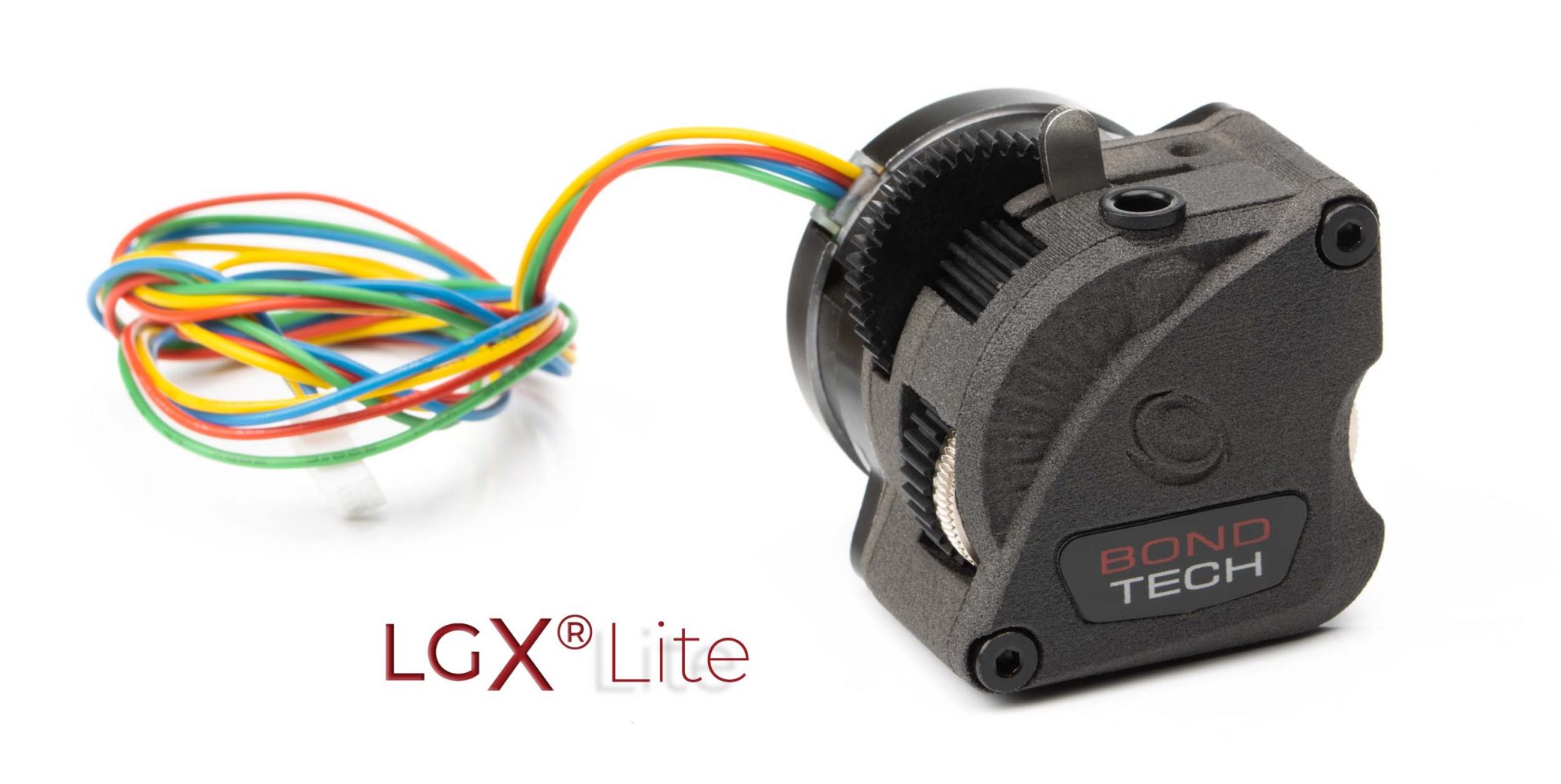
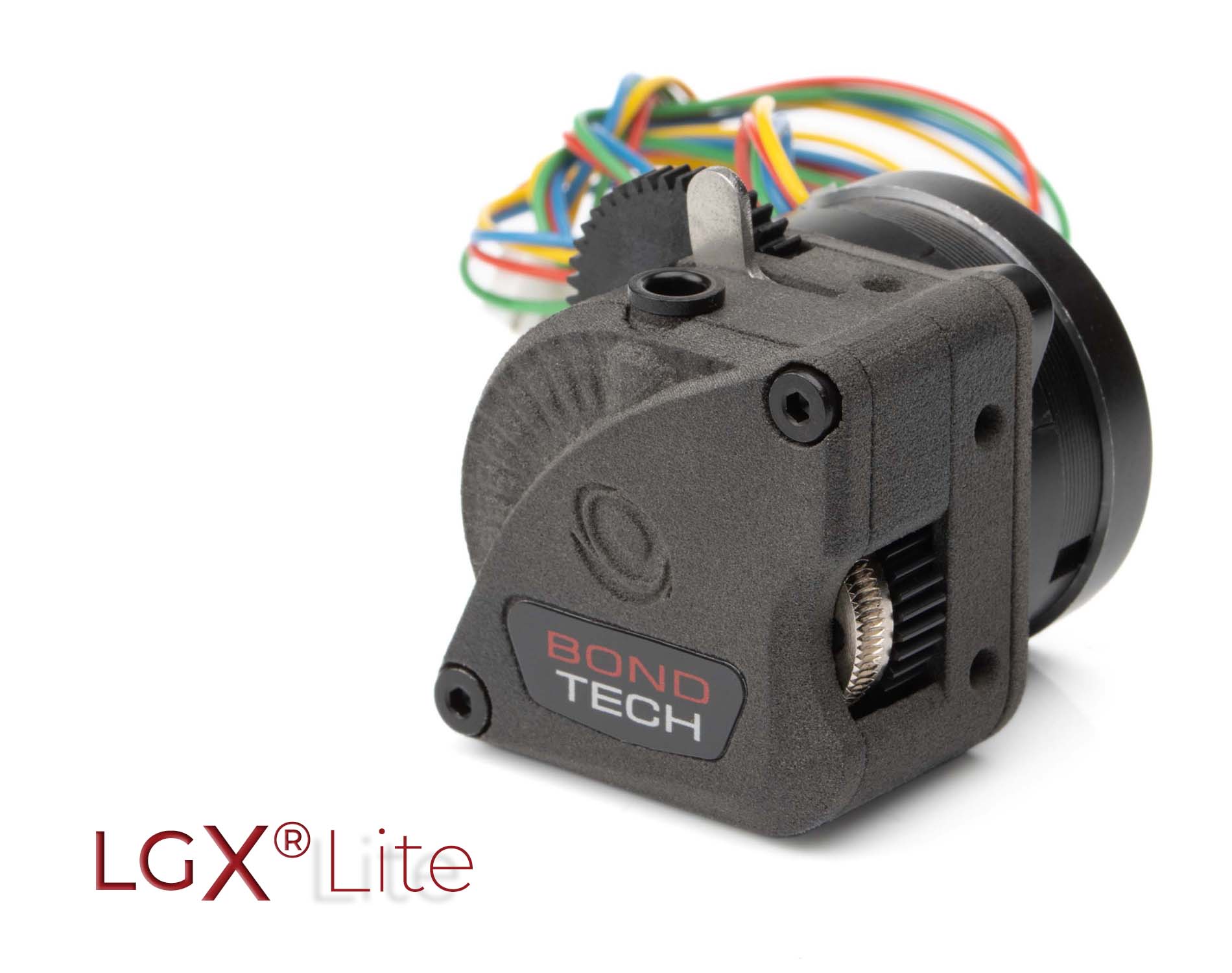
This extruder we are presenting – the LGX® Lite – is a new compact and simple version of the LGX, paired with a Nema14 Round 20mm Stepper motor.

Its very small volume and weight were planned to create a Bondtech alternative to the very interesting and compact extruders we saw grow in the market in the last months. These include the Orbiter, HextrudORT and Sherpa Mini.

We did our own tests and we sent units to some very competent people that will help us grind away any issues that may be found; improve its working and looks; and find interesting applications for it.

There isn’t more we want to say right now about the newcomer.

This is another Bondtech living post. More information will be added as it comes.

As everyone noticed, we are a bit delayed.
Orders will open next week, between the 6th and 10th of December.
We will inform exactly when on our newsletter.
Thank you for your patience.

You will be able to order the LGX® Lite from the following Bondtech Sales Partners :

Partner URL Location
3D-CAD Solutions an-cadsolutions.fi Finland
3D-Puccio 3d-puccio.de Germany
Caribou caribou3d.com Germany
Crucial IT printyplease.uk United Kingdom
EVOLT evolt.pt Portugal
Fabreeko fabreeko.com USA (FL)
Filastruder filastruder.com USA (GA)
Gingerbeard 3D gingerbeard3d.de Germany
KB3D kb-3d.com USA (OH)
Phaser FPV phaserfpv.com.au Australia (NSW)
PartsBuilt 3D partsbuilt.com USA (OH)
PoliAlkemi polyalkemi.no Norway
PrintedSolid printedsolid.com USA (DE)
RatRig ratrig.com Portugal
Slice Engineering sliceengineering.com USA (FL)
TinyMachines 3D tinymachines3d.com USA (TX)

Or to order LGX Lite directly from Bondtech here:

ON SALE
Original price was: $12.38.Current price is: $8.66.
+
This product has multiple variants. The options may be chosen on the product page

LGX Lite Drawings, Geometries and more

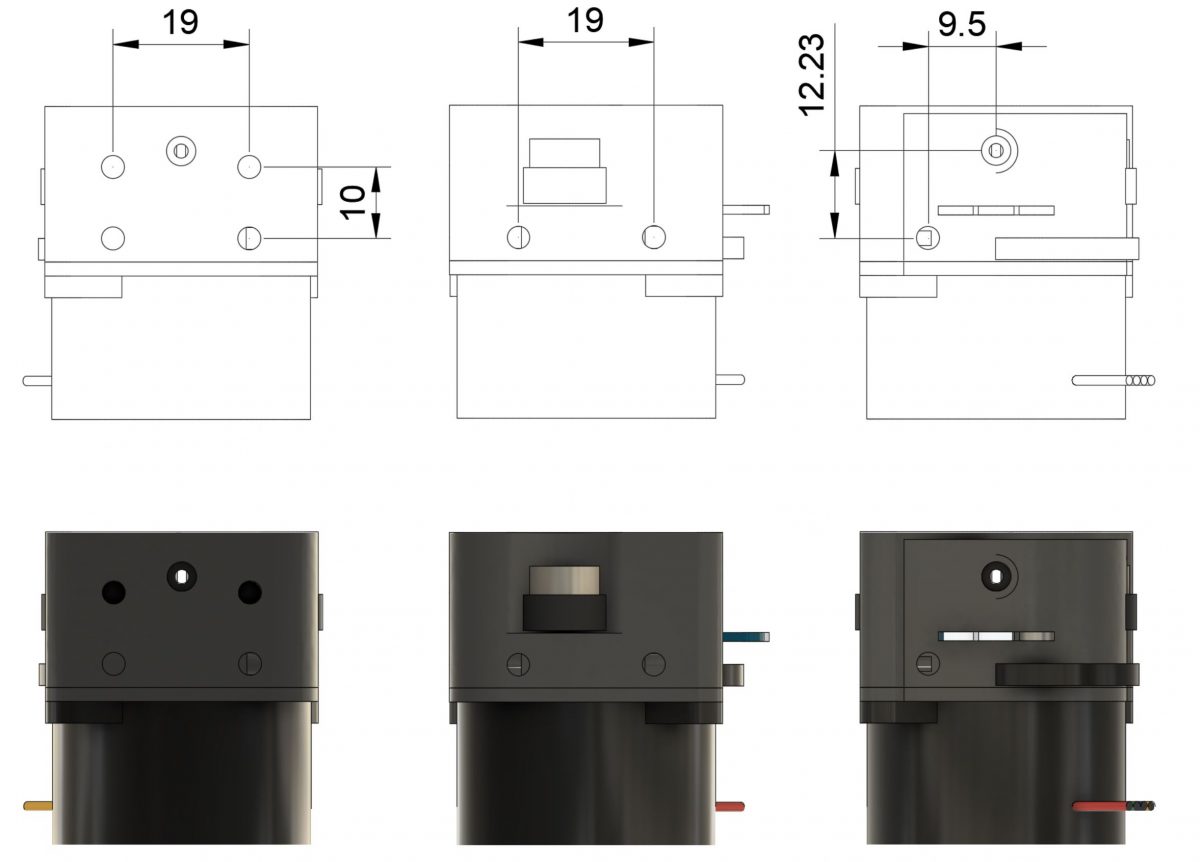
There are 3 different mount hole patterns available:

  • One at the bottom with 4 holes.
  • Another on the flat left-hand side with 2 holes.
  • A third on the top with a single hole that may be used in tandem with the filament entry hole.

All holes must be reinforced with the M3 square nuts supplied, and are 5mm deep. To save weight, use only the necessary square nuts.

Find some drawings below. Units in mm.

Mounting hole pattern drawings. Bottom view. Left-hand side view. Top view. Units in mm.

Mounting With A Plate In Between
Extruder And Stepper Motor

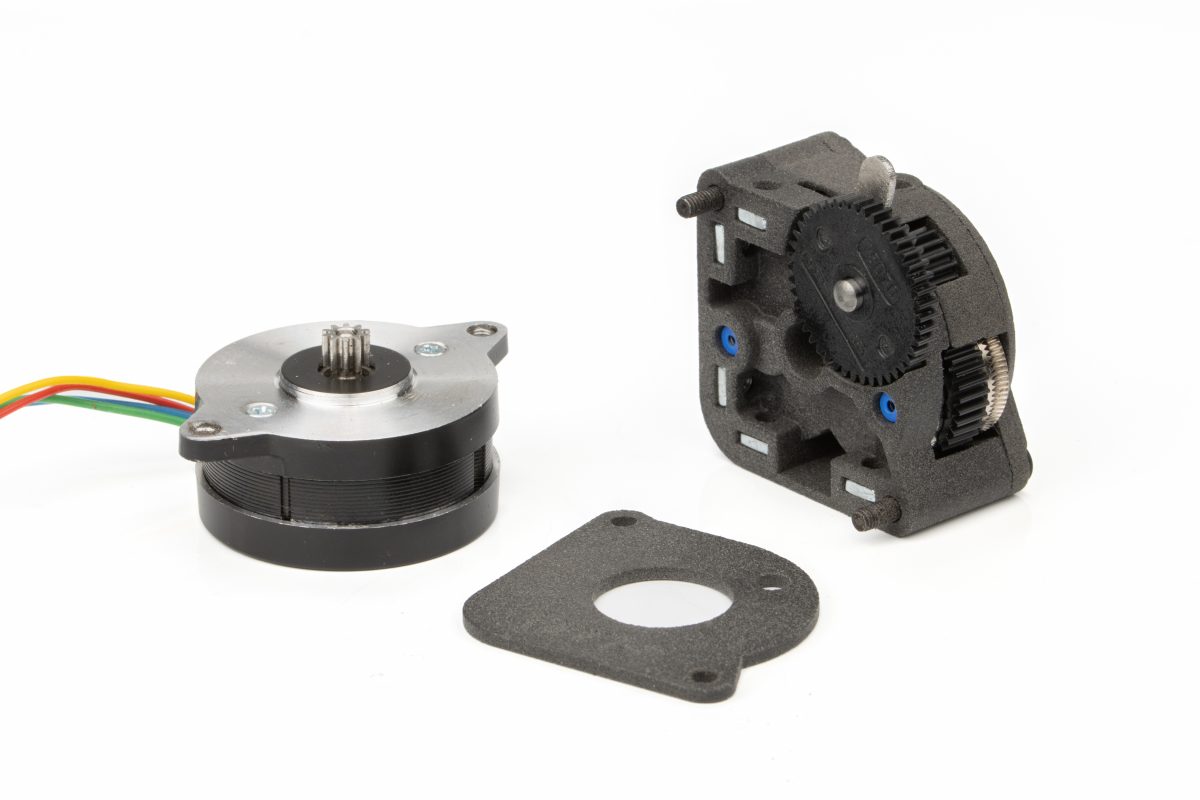
An additional mounting hole pattern may be used. It is possible to separate the stepper motor from the extruder and mount them with a plate in between.

The plate must be from 2 up to 3mm thick. 2.5mm is recommended. To use this mounting solution, the extruder’s rear plate must be removed.

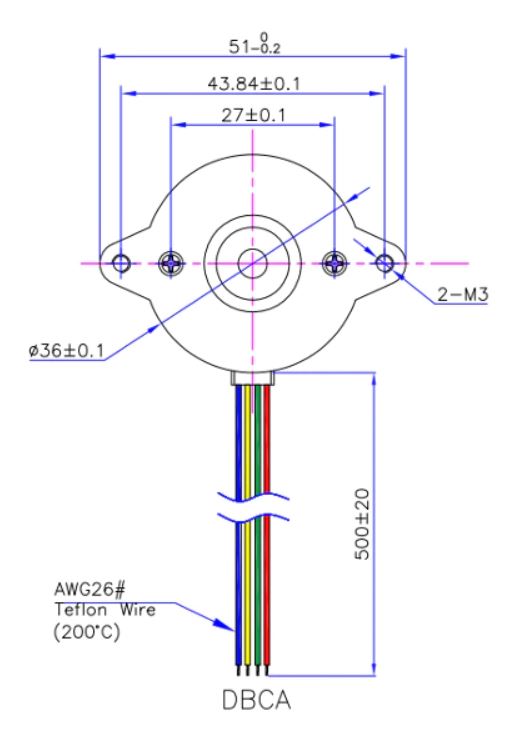
The plate should feature the 36mm round stepper motor mounting pattern with 2 M3 holes on the flanges and a Ø16mm central opening.

Here you may find the LGX® Lite simplified geometry to allow you preparing a mount setup.

The STEP file includes 3 bodies:

  • Extruder body;
  • Extruder rear mount plate;
  • 36STH20 Stepper motor.
Download STEP (current v6) Download STL Bundle

It is possible to install the LGX® Lite with a plate in between the stepper motor and the extruder. In this case that plate replaces the extruder's rear mount plate.

Max thickness of such plate is 3mm. Recommended thickness is 2.5mm.

To use a mounting plate thicker than 2.5mm, it is recommended to use longer screws than supplied.


Roll back and forth to zoom in and out.
Click and drag to rotate the view.

Latest design seen above features
the pocket for using an integrated push-fit collar.

Designed was Revised and Improved

Cyril Guislain took the original design below and made it better. This improvement was tested and confirmed by Motard Geek.

Find the STL files at Cyril's Thingiverse page. The Thingiverse page also includes the cooling fan mounts shown in the picture.


Summary
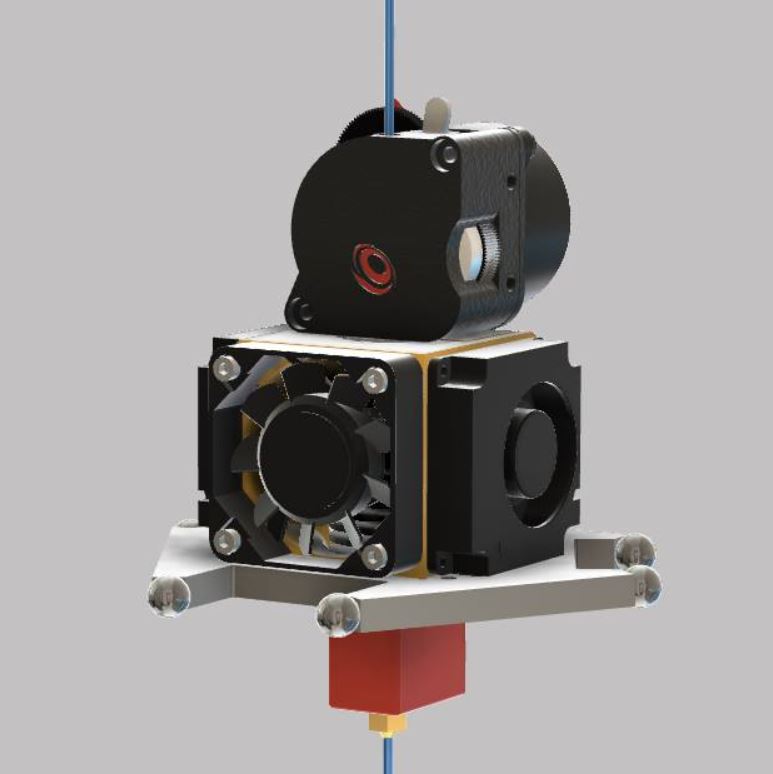
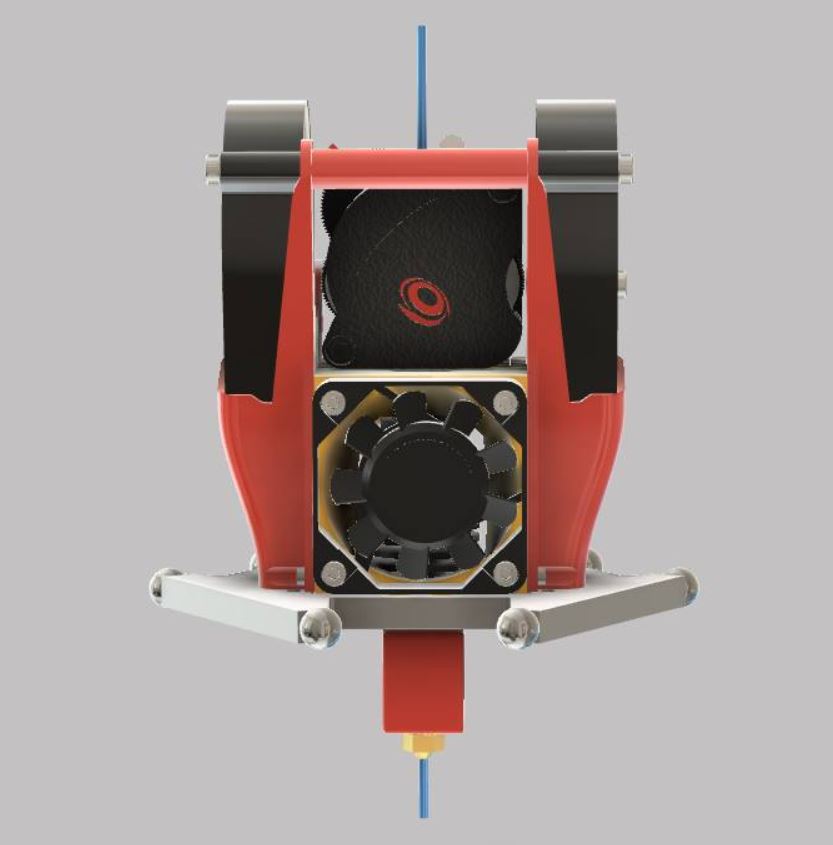
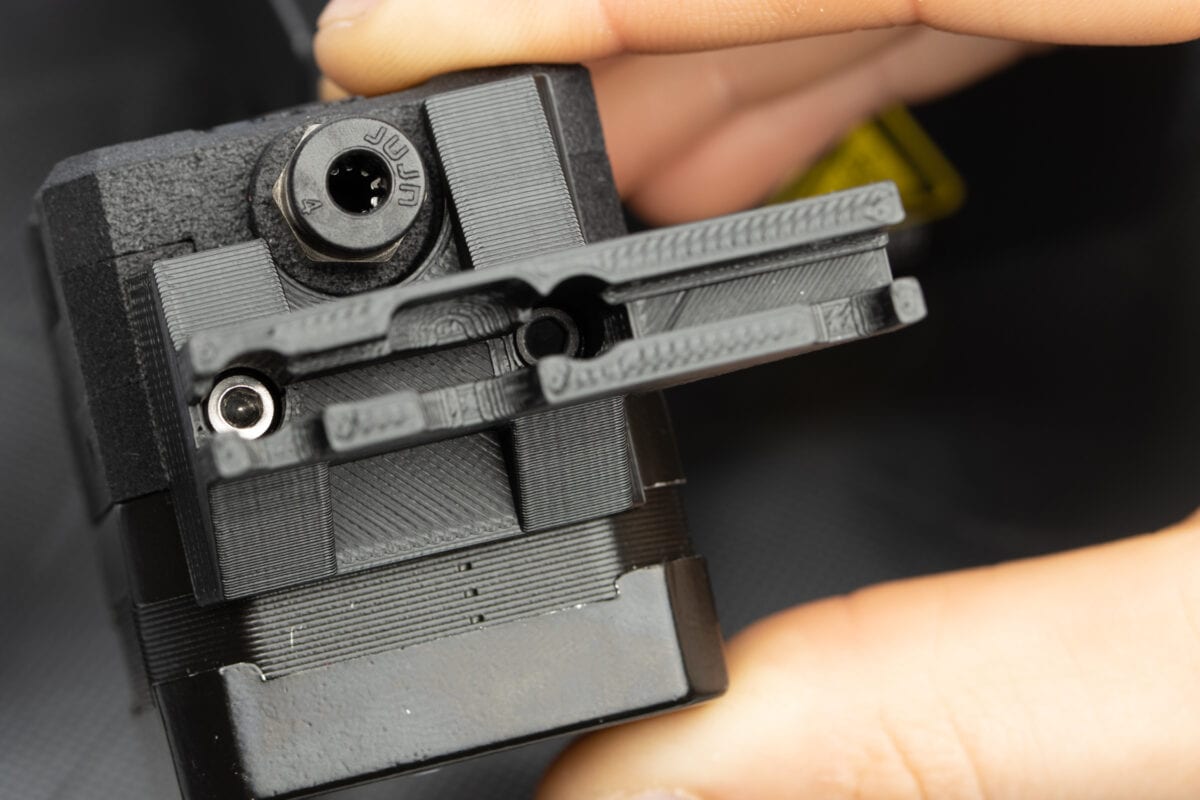
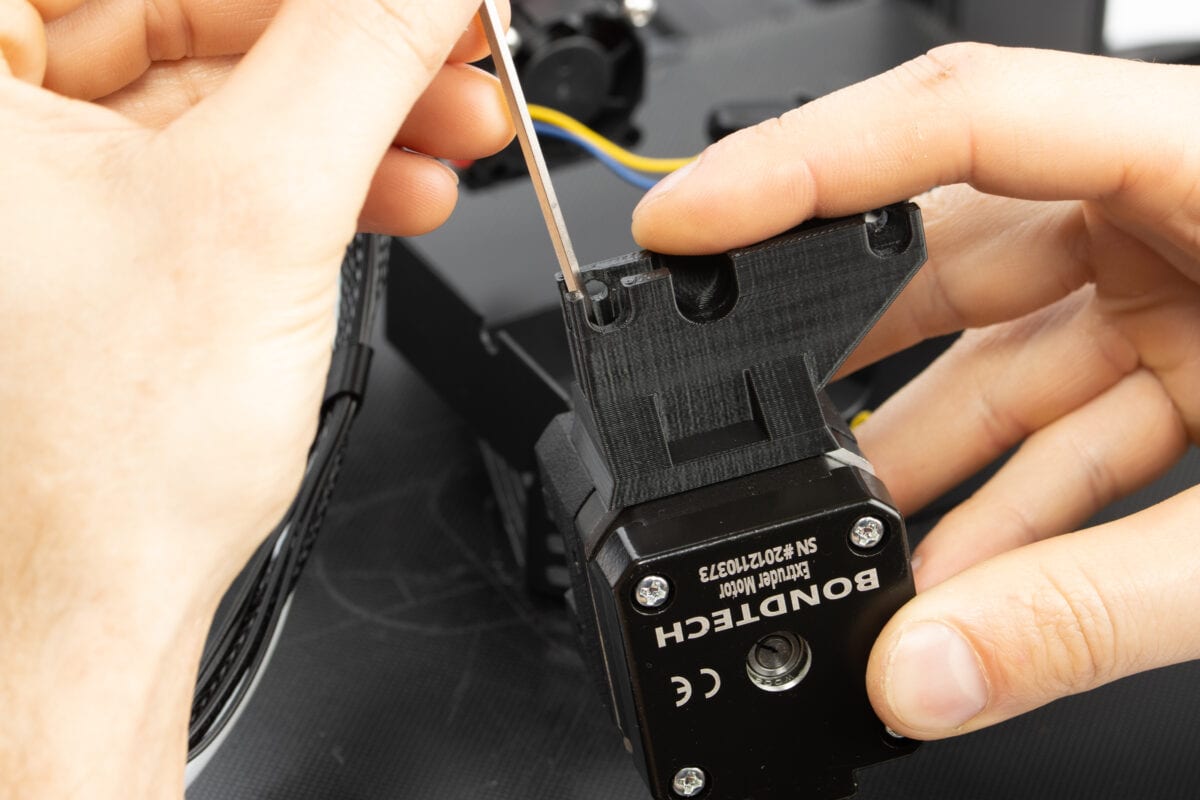
Support for Bondtech LGX Lite and FLSUN Super Racer to convert it to a direct drive.

Optional adapters for 5015 fans are included.

Use M3x12 to fix support to Bondtech LGX Lite.
Use 2 stock 4010 fan screws to fix support to housing.
Use stock blowers fans screws to fix 5015 adapters.

Based on work of Nissenko (https://www.thingiverse.com/nissenko/designs)

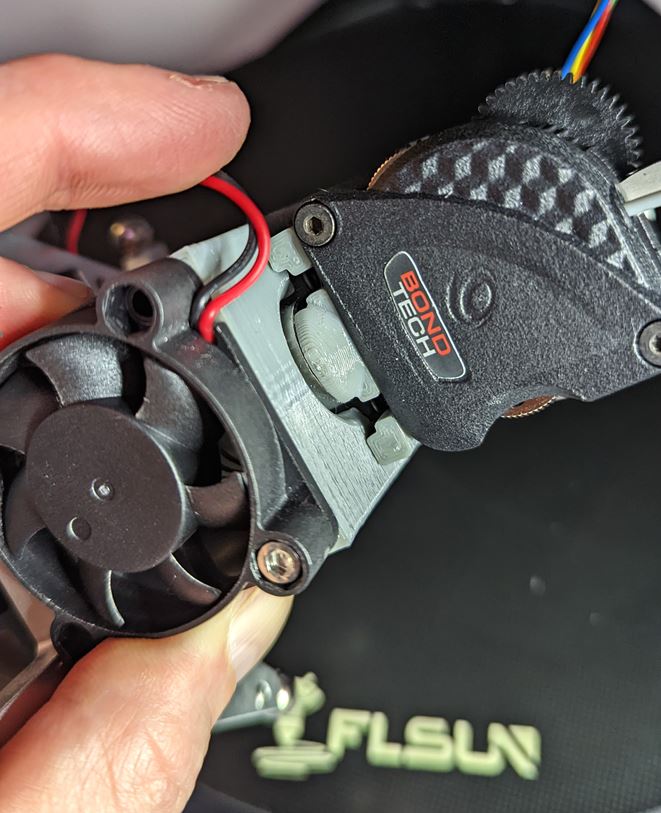
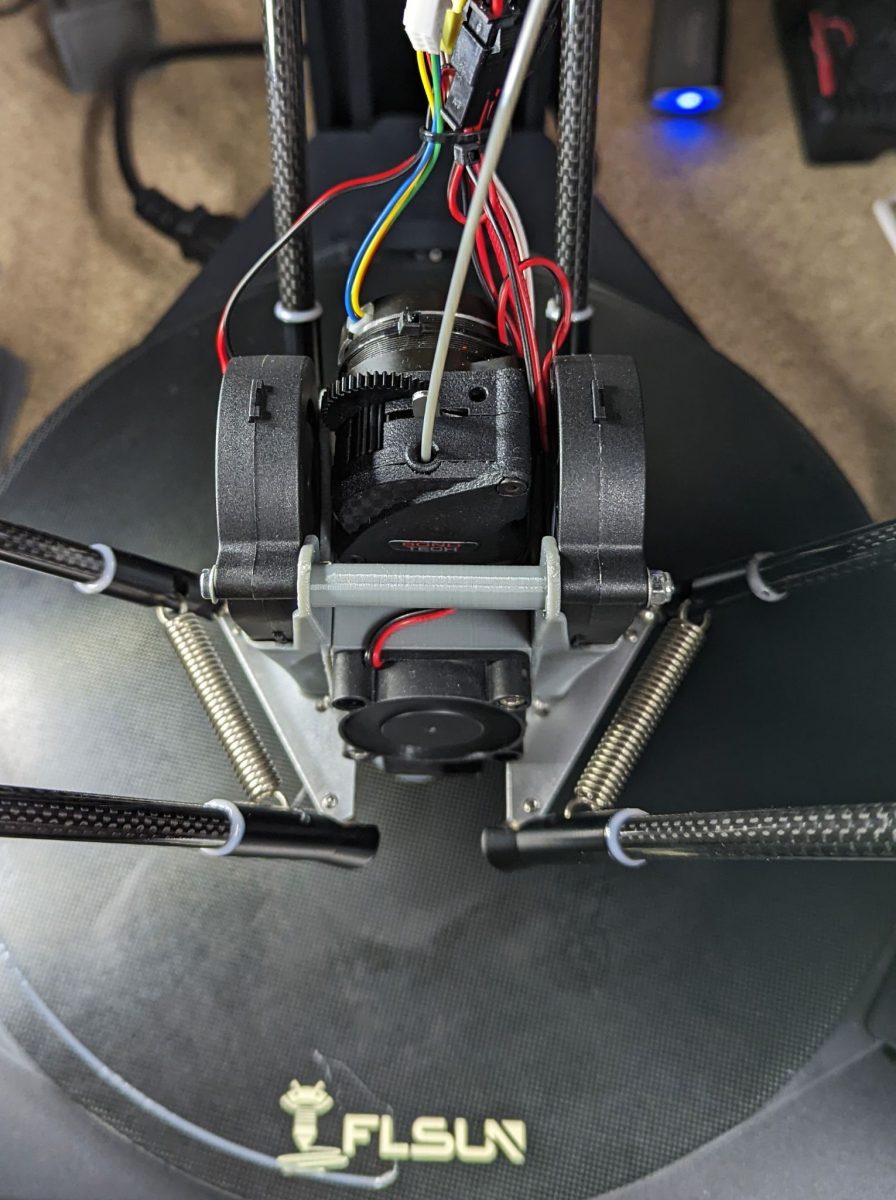
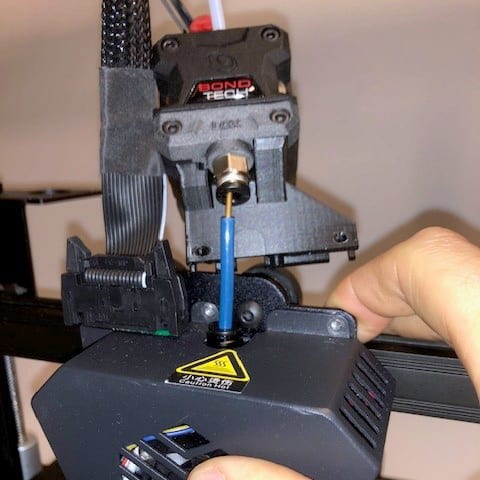
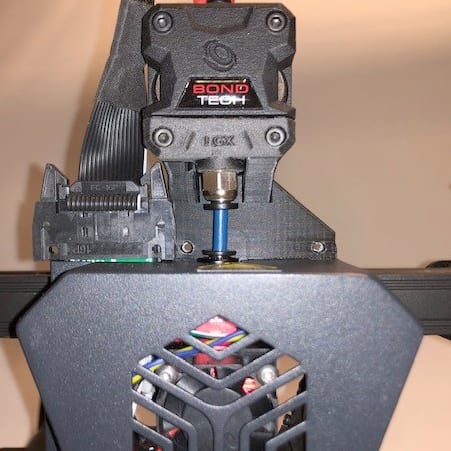
We were approached by Mathieu AKA Motard Geek, co-founder of LesImprimantes3D.fr, to apply the LGX® Lite to a FLSUN Super Racer.

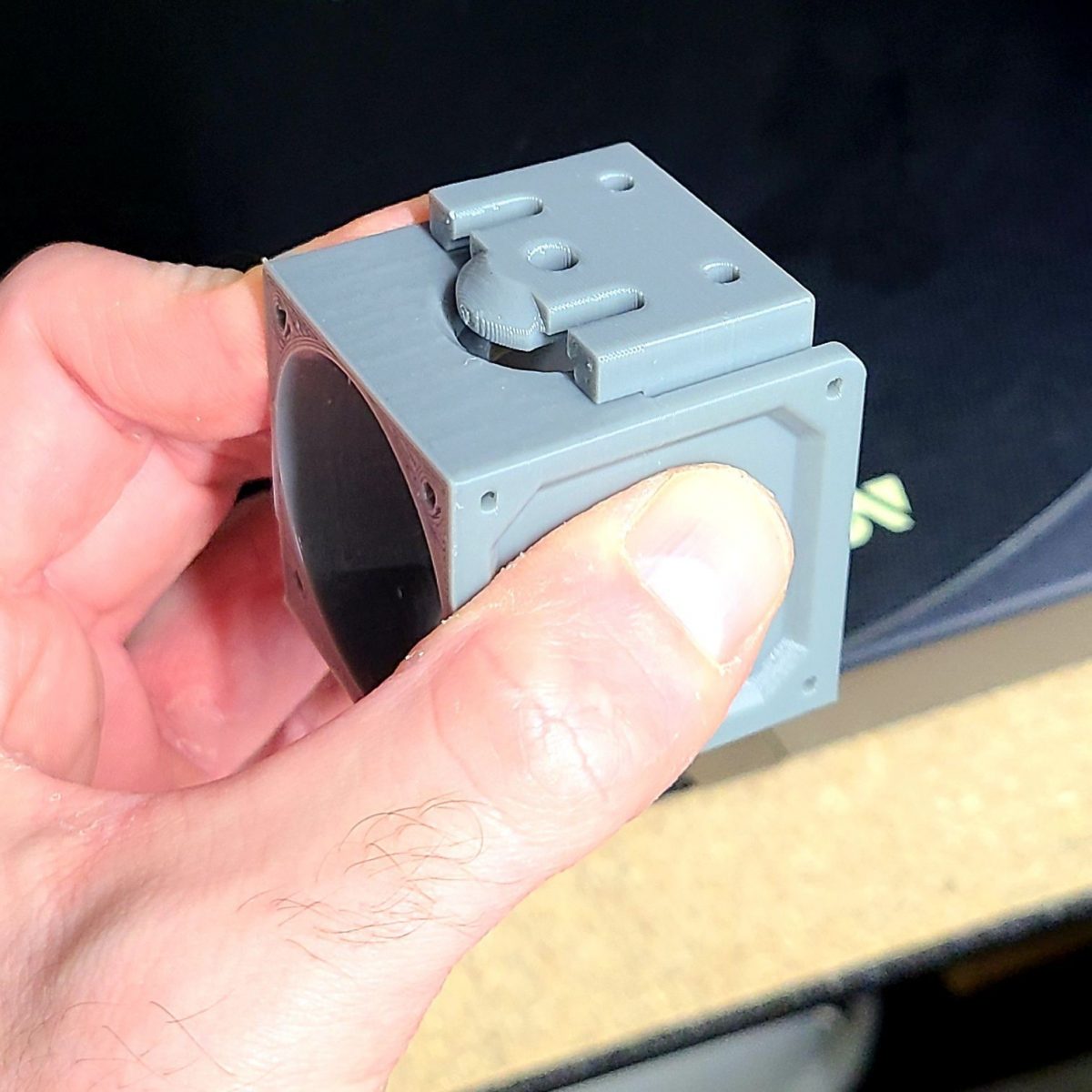
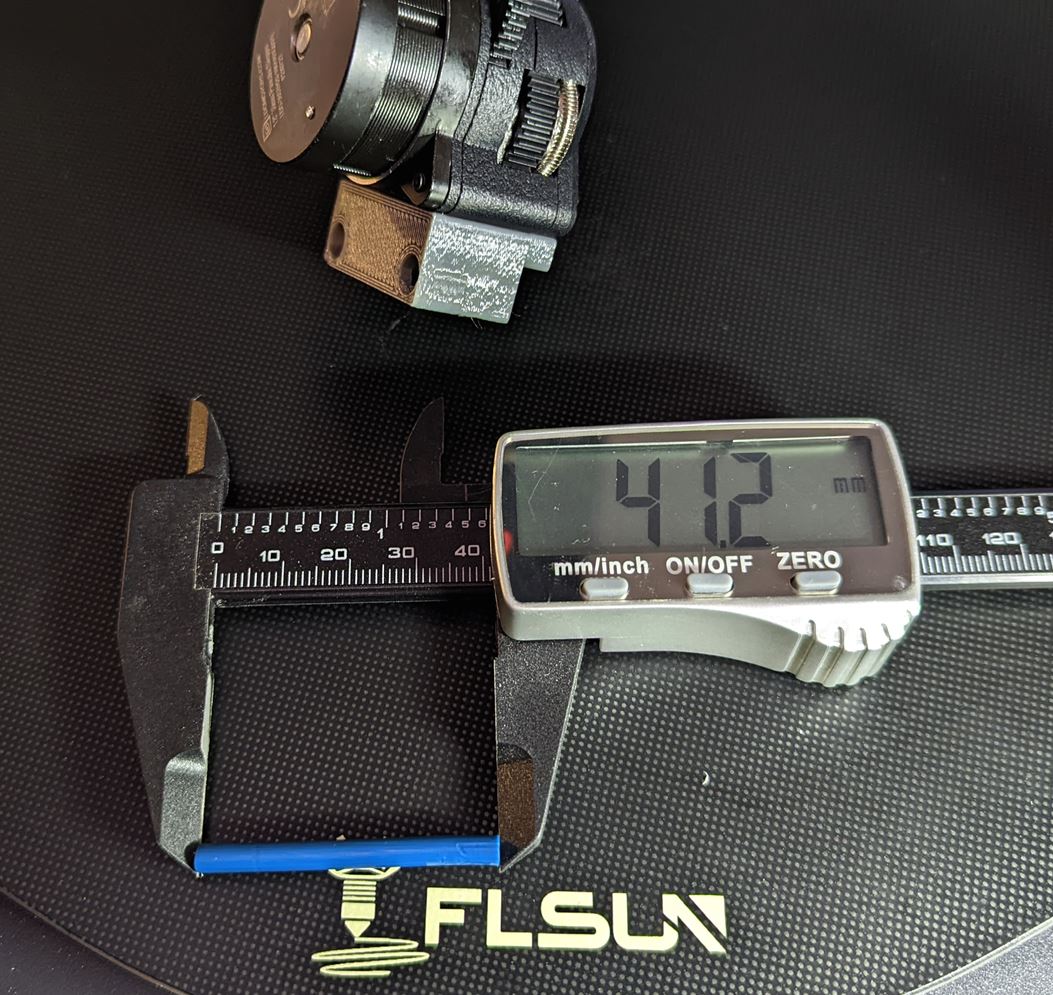
After some design iterations we arrived to the current design that applies to when the hotend's heatsink is attached to the effector, allowing for very easy installation. A 41.2mm long PTFE tube must go in between the LGX® Lite and the heat break. This is the case for the bi-metal heat break. Using the original please note that the tube should be 3mm above the 3D printed support.

Download STL

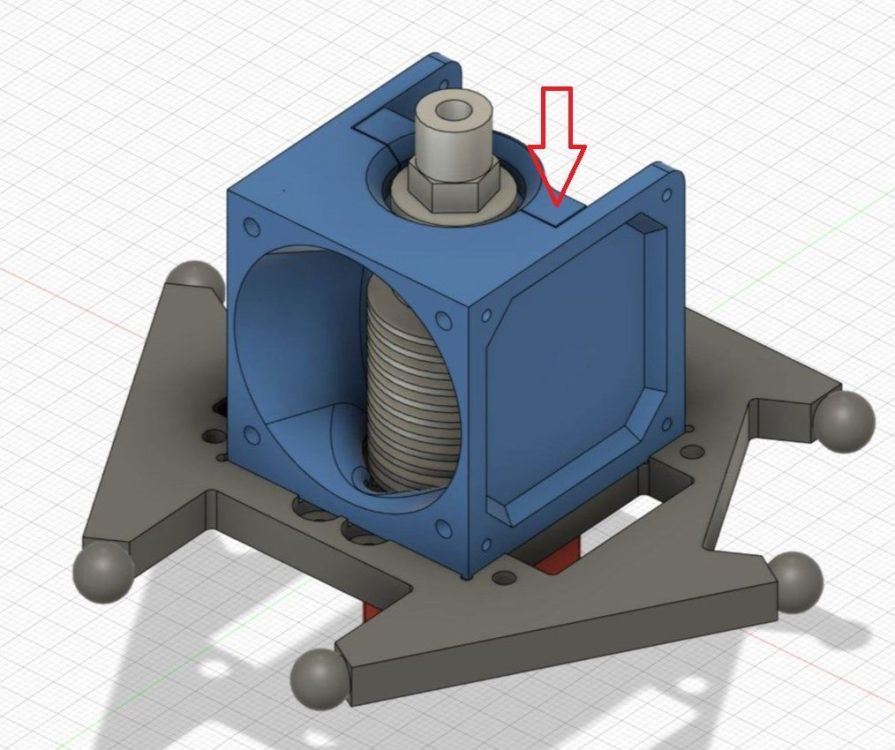
This application is based on the "FLSun SR Housing", original work by Nissenko, you may find here:
https://www.thingiverse.com/thing:4938853

The part from the original set signaled below with the red arrow, must be replaced with the printed model we supply here.

After installing the LGX Lite on the FLSun Super Racer, it is necessary to update some Marlin parameters:

  • E-steps value to 562;
    Load and Unload distance to 80mm;

  • Stepper motor current to 600mA.

You can do that by printing a g-code file you can download by clicking the button below.

Download g-code file

You can also use the same g-code included in the file above on the slicer software's Start G-Code section:

M603 L80.0000 U80.0000; Sets the load/unload distance
M92 E562; Sets the e-steps value
M906 T0 E600; Sets the stepper motor current to 600mA
M500; Saves these new parameters to the EEPROM.

Printing

Loading filament

Unloading filament

More content, photos and videos at
https://www.lesimprimantes3d.fr/forum/topic/43401-direct-drive-pour-flsun-super-racer-sr/page/2/

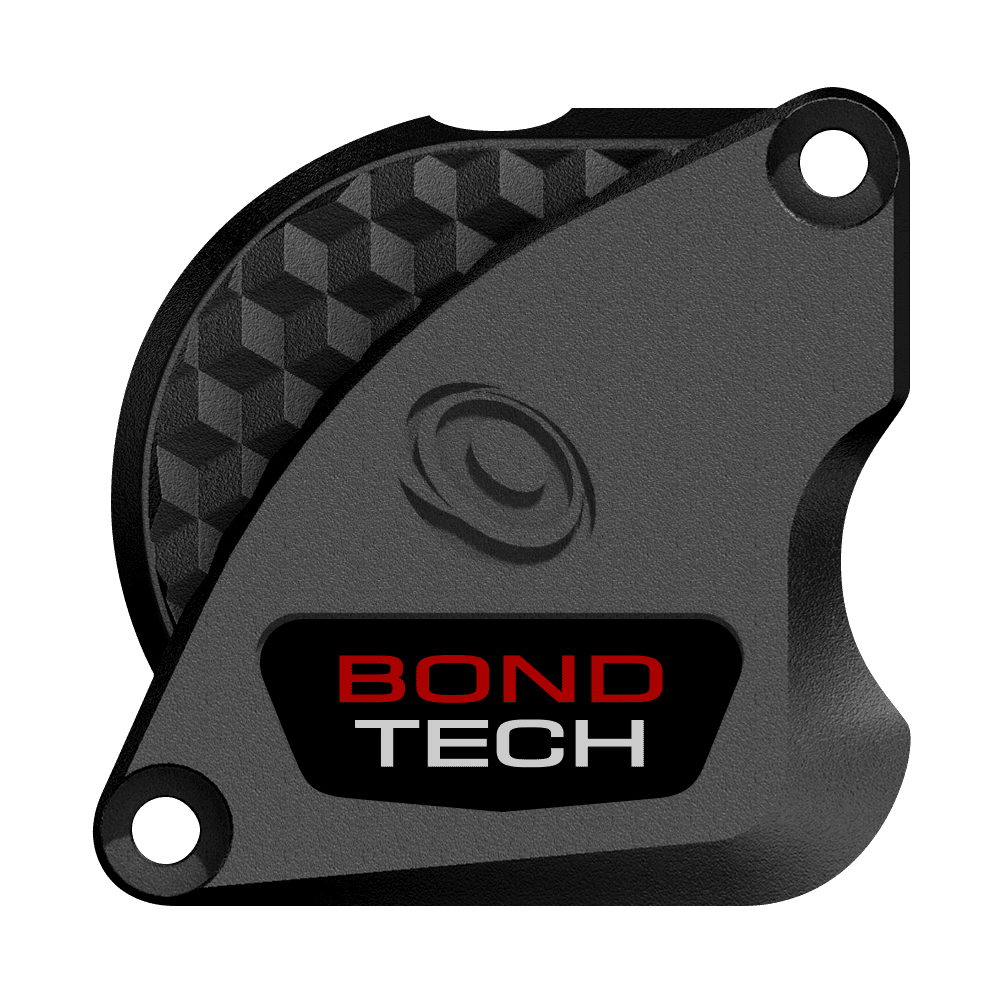
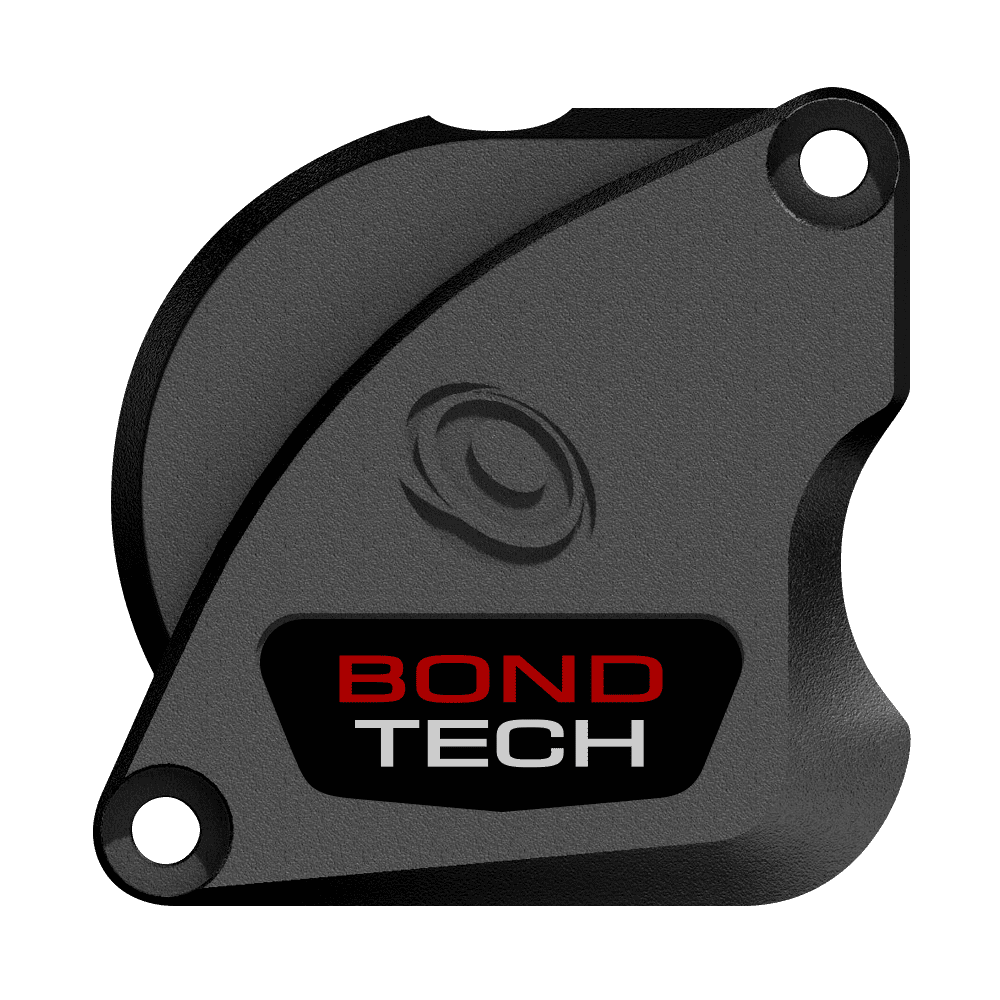
Voting is Complete!! Option A . Annular Wins!

We are about to launch a new ultra-compact extruder we call LGX® Lite.

Our Product Development team came up with some design options for the Front Cover and we asked our community to help us to choose one from a list of 4. After yesterday's announcement the election was completed, with 655 participations, we still got 23 people more "sneaking" a vote : ) rising the number of votes to 678. Although the partials were updated, the overall result and most voted option was the same.

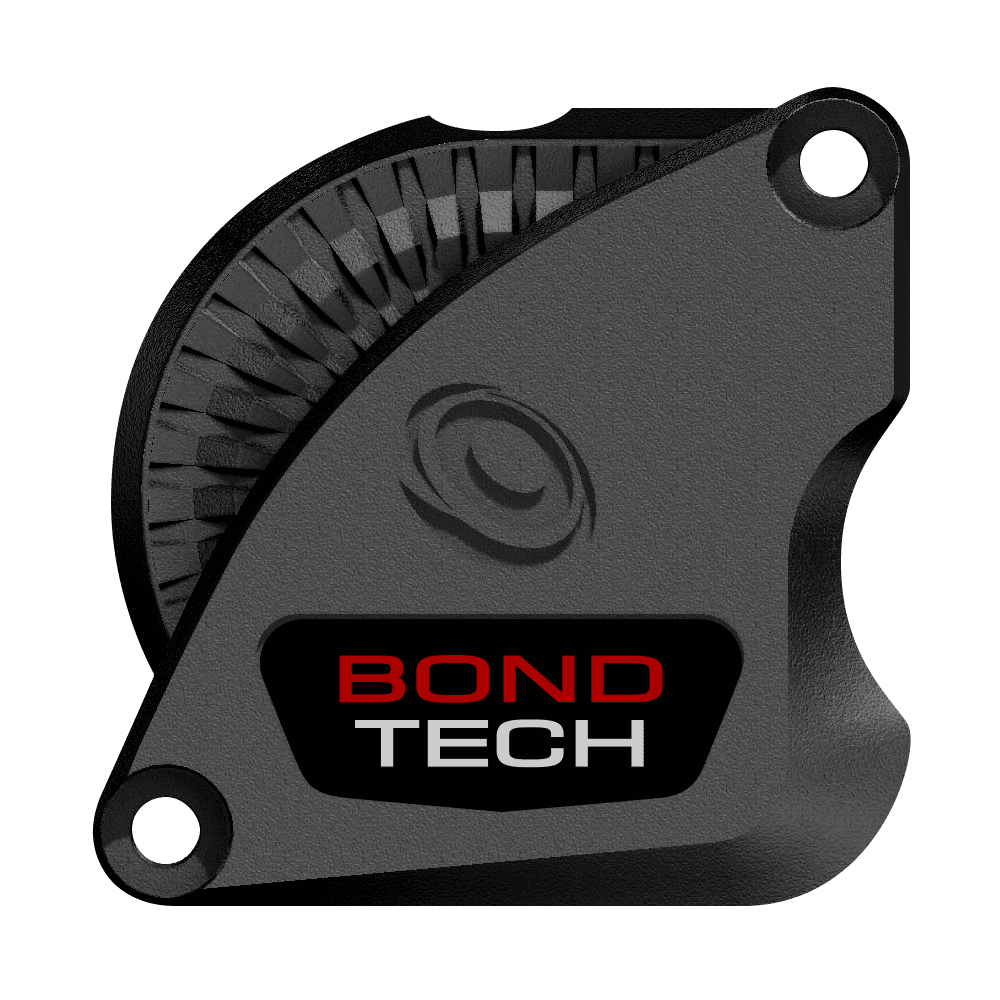
Option A . Annular won the popular vote - with 230 votes - and will be the adopted design.

The results were very even. There is a clear winner, but the advantage is not overwhelming. We may consider to offer the remaining designs as optional accessories. What is your opinion on that?

CLick here to let us know

Tell us if you would buy the Front Cover as an optional accessory, and what model would you buy. Thank you.

Vote Breakdown

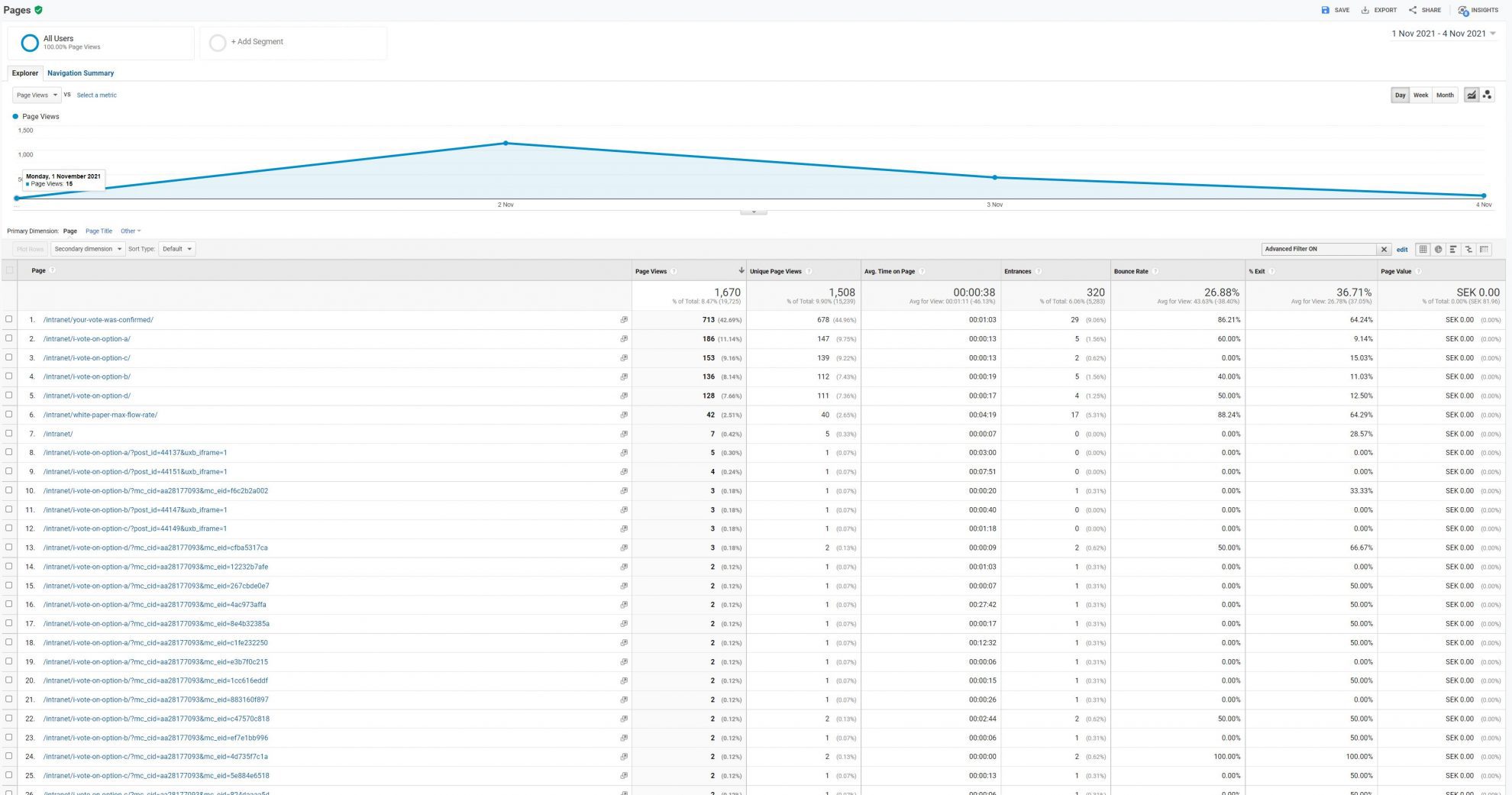
Here is the vote breakdown calculated from the voting pages' Google Analytics data.
The voting process had 2 steps: Selection and Confirmation. Not all voters confirmed their votes.

Option Page Views Unique Views (users)
All /intranet/your-vote-was-confirmed/ 713 678
A . Annular /intranet/i-vote-on-option-a/ 279 230
B . BeeHive /intranet/i-vote-on-option-b/ 201 170
C . Cubes /intranet/i-vote-on-option-c/ 235 216
D . Desert /intranet/i-vote-on-option-d/ 191 167

Thank you for voting !!

A . Annular

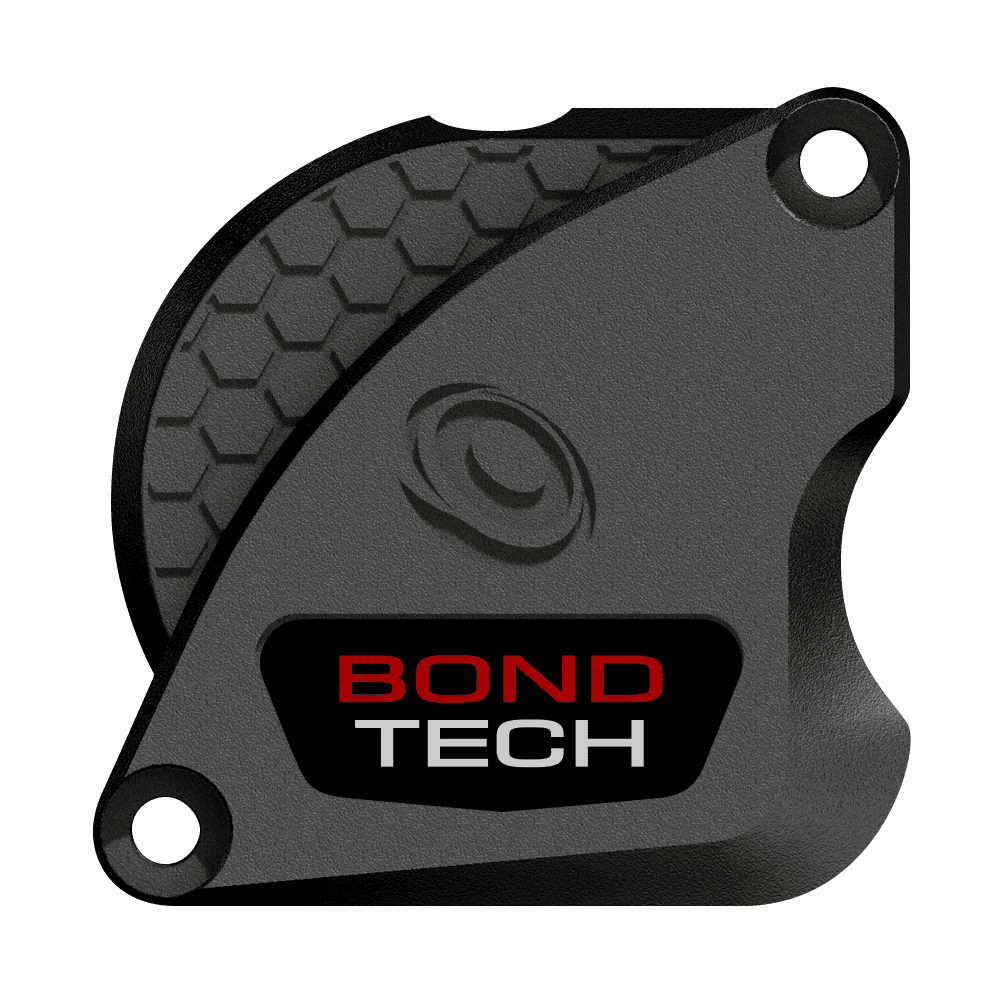
B . BeeHive

C . Cubes

D . Desert

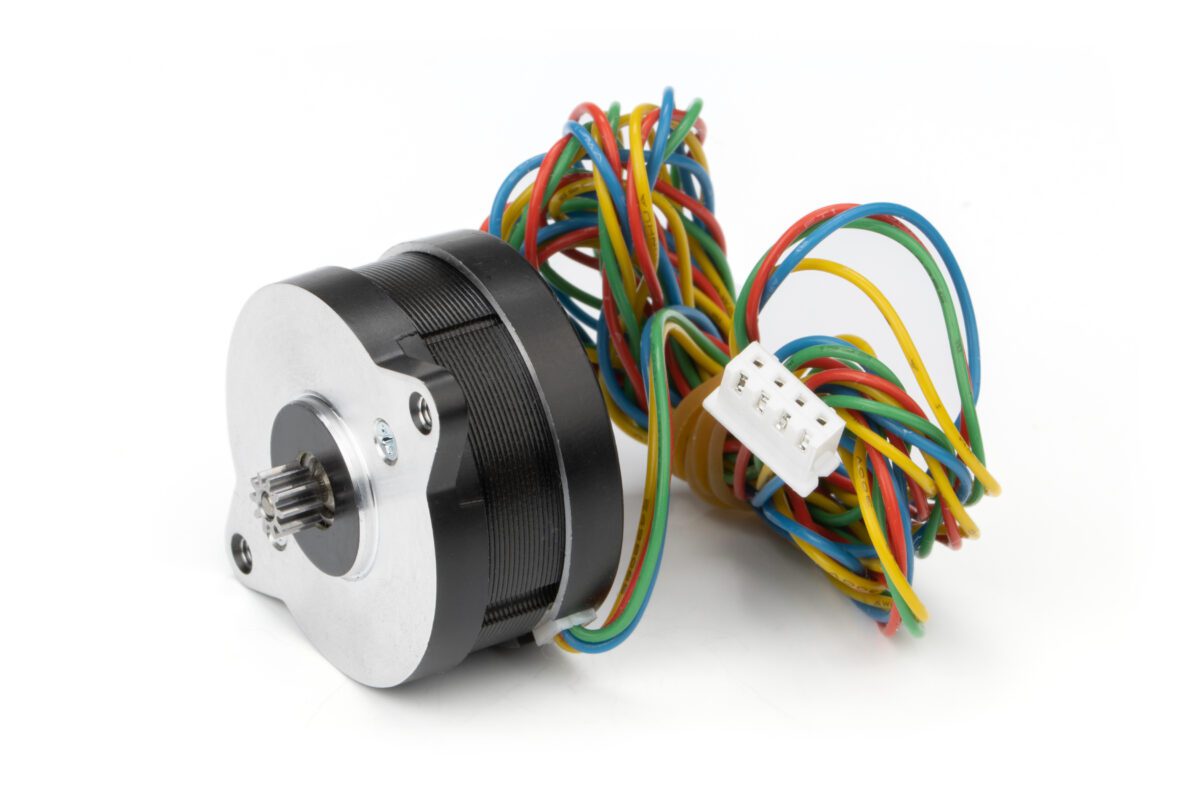
Using the LDO Nema14 Round 20mm

Bondtech designed this extruder to work with a Nema14 Round motor. We tested 2 different models from LDO:

  • the LDO-36STH17-1004AHG, a 17mm pancake;
  • the LDO-36STH20-1004AHG, a 20mm pancake.

Below we show detailed information on both that will show you why we decided to use the 20mm at the end.

Be aware the 36STH17 may be used with this extruder, but we do not recommend it.

Round Nema14 20mm Pancake stepper motor

LDO-36STH 17 -1004AHG

  • Motor length: 17 mm
  • Motor Diameter: 36mm
  • Weight : 74g
  • Max Current : 1A / phase
  • Leads Length : 1m
  • Step Angle : 1.8 degree
  • Max Torque at : 300 PPS
  • Potential Flow Rate @ Max Torque : 20 mm^3/s
  • Class: H, rated peak temp 180℃
  • Max operating Temperature / max Current :
    70℃ / 550 mA

LDO-36STH 20 -1004AHG

  • Motor length: 20 mm
  • Motor Diameter: 36mm
  • Weight : 93g
  • Max Current : 1.0 A / phase
  • Leads Length : 1m
  • Step Angle : 1.8 degree
  • Max Torque at : 1800 PPS
  • Potential Flow Rate @ Max Torque : 120mm^3/s
  • Class: H, rated peak temp 180℃
  • Max operating Temperature / Current :
    120℃ / 750 mA

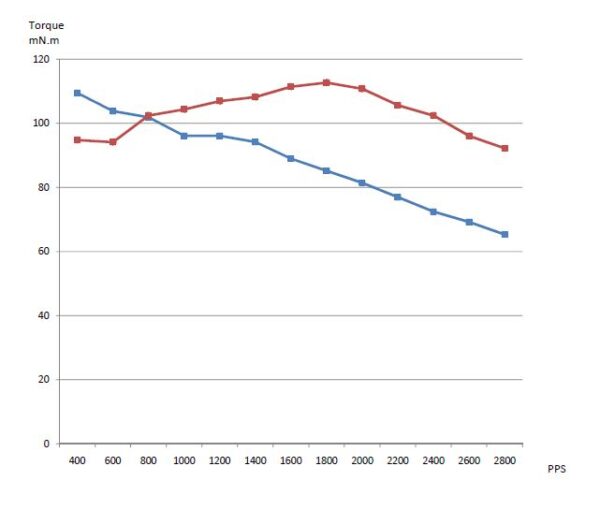
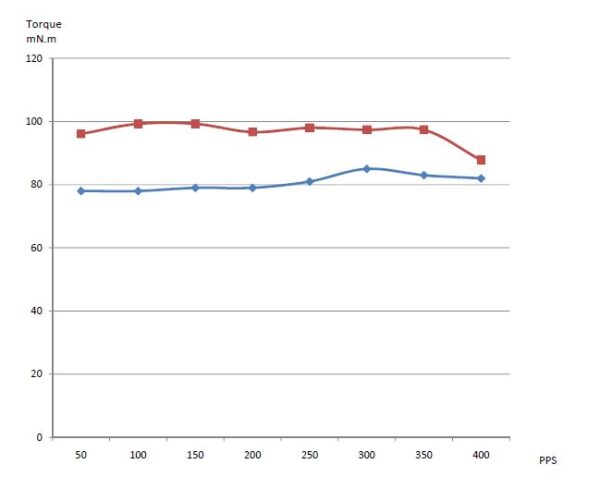
Torque Curve Comparison : nNm / PPS

[accordion_inner] [accordion-item_inner title=”Open Torque Data and Graphs”]

Blue Line : 36STH17
Red Line : 36STH20

Test at 24v, 1A, full step. From 400 to 2800 PPS.

Torque Curve. Test @ 24v, 1A, full step.

Here we may observe the 36STH17 drops torque as it spins faster. The 36STH20 holds and rises until 1800 PPS.

Test at 24v, 0.7A, full step. From 50 to 400 PPS.

Torque Curve. Test @ 24v, 0.7A, full step.

Here we may observe the drop in current has a major effect on the 36STH17‘s Torque, lowering its value to less than the 36STH20, even at the low PPS range.

[/accordion-item_inner] [/accordion_inner]

Self Heating Comparison : ℃ / mA

[accordion_inner] [accordion-item_inner title=”Open Self Heating data and graphs”]

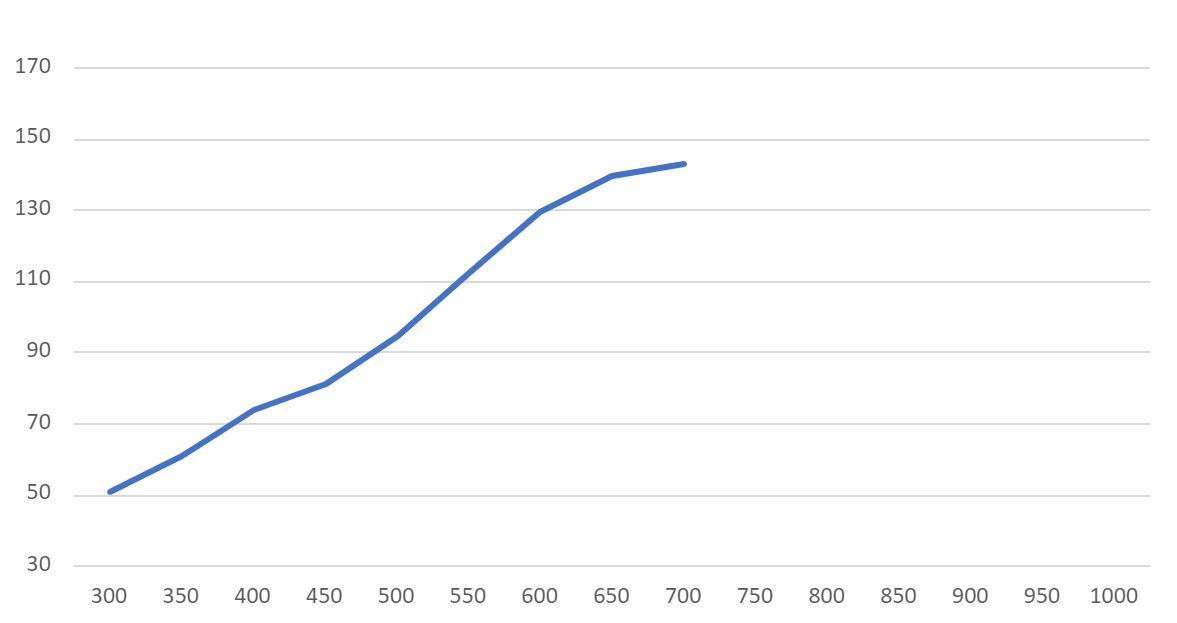
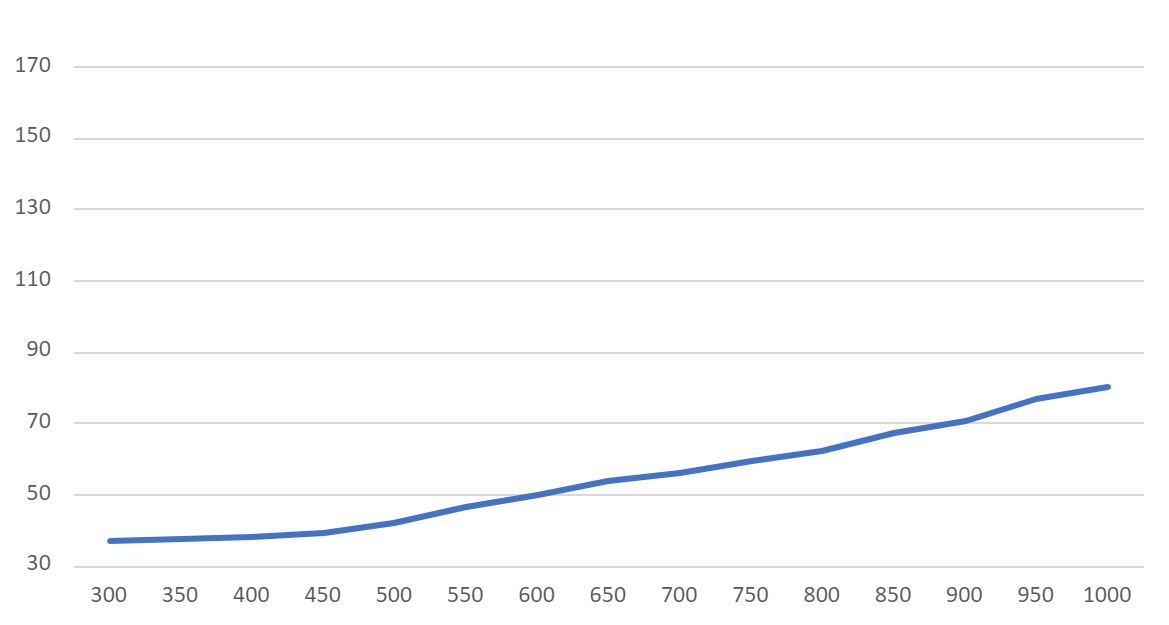
Self-current-induced-heating was measured @ ambient temperature (22℃), without any load, 30 minutes after turned ON at the specified current. NOTE: At 700mA we just stopped testing the 36STH17.

℃ on Y axis, mA on X axis

36STH17

Current Measured Temperature
300 mA 51.0 ℃
350 mA 60.9 ℃
400 mA 74.1 ℃
450 mA 81.5 ℃
500 mA 94.8 ℃
550 mA 111.9 ℃
600 mA 129.9 ℃
650 mA 139.9 ℃
700 mA 143.4 ℃
750 mA
800 mA
850 mA
900 mA
950 mA
1000 mA
℃ on Y axis, mA on X axis

36STH20

Current Measured Temperature
300 mA 37.2 ℃
350 mA 37.8 ℃
400 mA 38.3 ℃
450 mA 39.4 ℃
500 mA 42.0 ℃
550 mA 46.6 ℃
600 mA 49.8 ℃
650 mA 53.7 ℃
700 mA 56.1 ℃
750 mA 59.8 ℃
800 mA 62.5 ℃
850 mA 67.5 ℃
900 mA 70.5 ℃
950 mA 76.8 ℃
1000 mA 80.4 ℃
[/accordion-item_inner] [/accordion_inner]

Our new extruder is decisively smaller. We design it to minimize the form factor as much as we could, while still using our new Dual Drive Technology based on the LGX Large Gears.

And it is precisely because of the large drive gears – Ø18mm 56.52mm perimeter – our new LGX will have advantage on the grip.

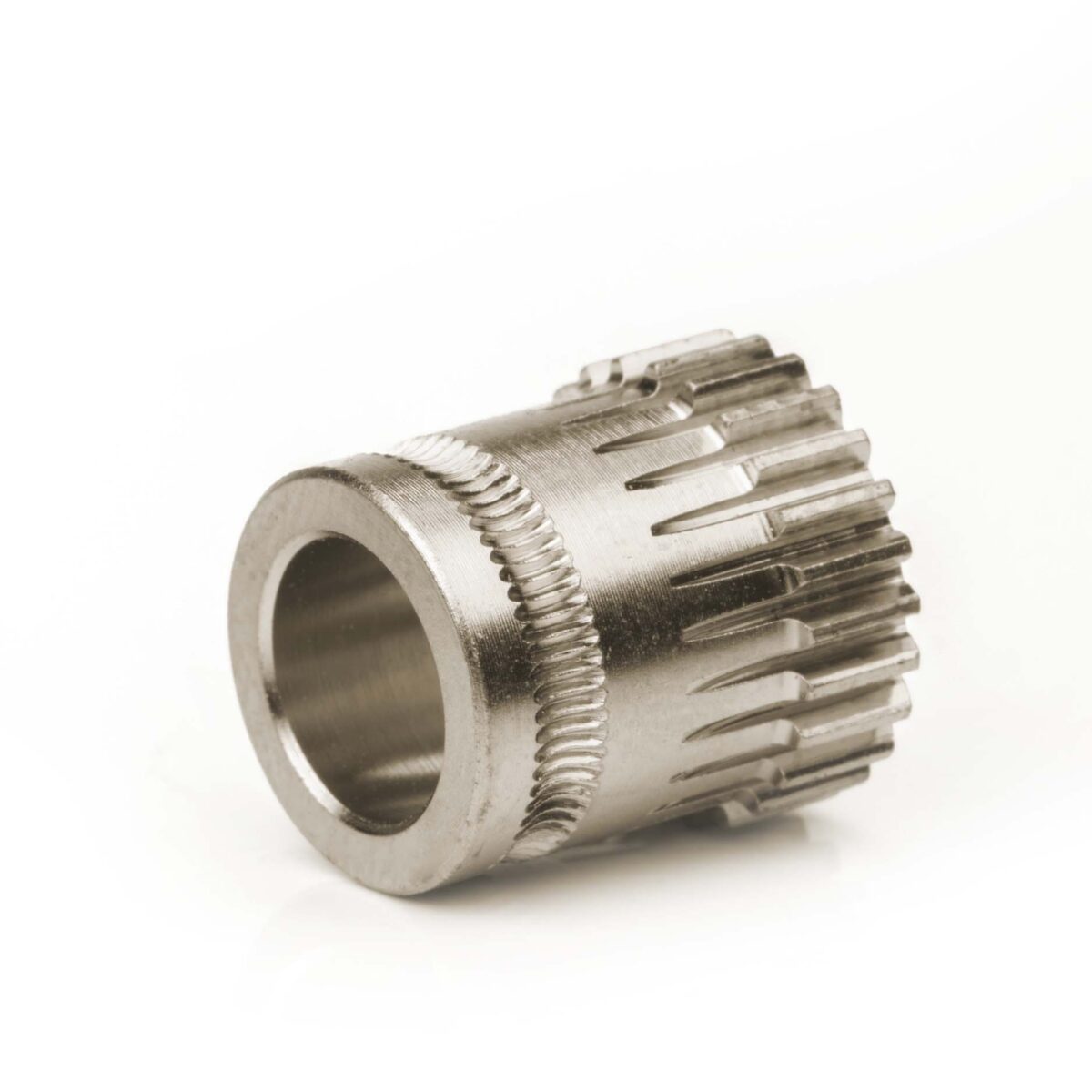
LGX Drive Wheel

Not saying the Orbiter isn’t a good extruder. It is, especially when using our original QR – Ø12mm 37.68mm perimeter – drive gears.

But there is a 50% increase in drive gear perimeter. Longer perimeter allows for more teeth to be in simultaneous contact with the filament and therefore more grip.

QR Drive Gear

Difference in diameter and perimeter length may be observed on the pictures above.

Want to know more?

Register yourself or login to leave a Question, Reply or Comment in the section below.

If you didn't already, you can also subscribe to our newsletter to receive the short updates about our new products, updates or technology on your mailbox.

Thank you : )
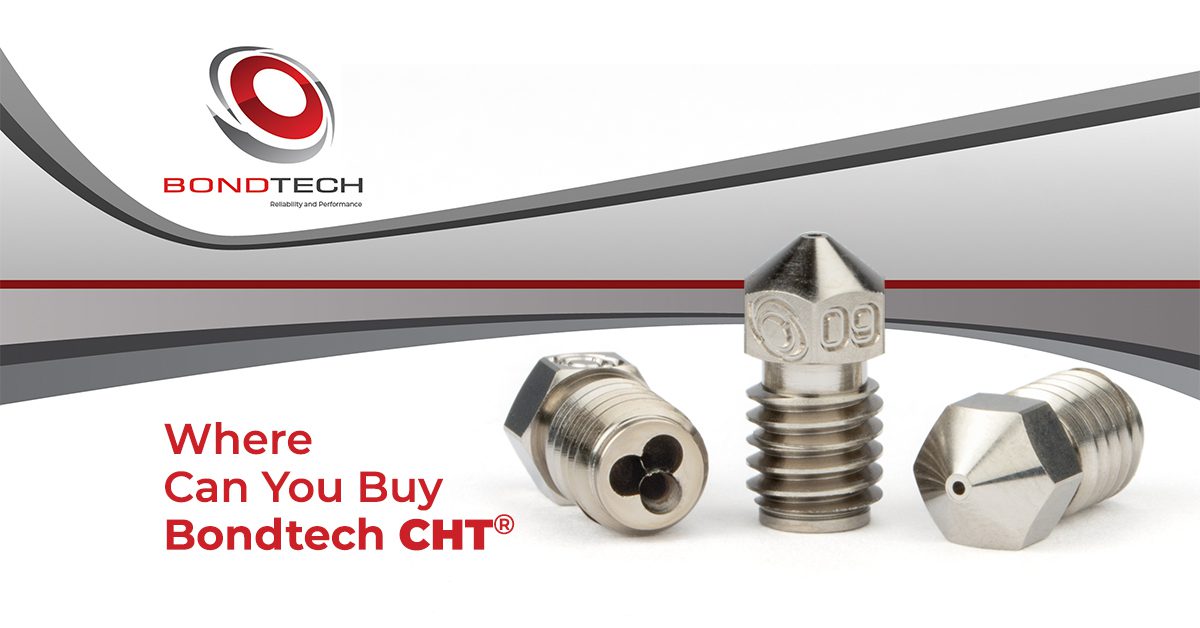
Where Can You Buy Bondtech CHT ®

Buy local. Save on shipping costs.

Find here an up to date list of our Sales Partners – sorted by name – where you may find Bondtech CHT ® nozzles.

Lower the impact of the shipping costs on your purchase of our high flow nozzles.

This list will be updated regularly. We will try to have it as up to date as possible.


Name Domain Region
123-3D 123-3D.nl Netherlands
3D CAD Solutions 3d-cadsolutions.fi Finland
3D Jake 3djake.com EU (AU)
3d lab tech 3dlabtech.ca CA (AB)
3D Prima 3dprima.com EU (SE)
3D Puccio shop.3d-puccio.de Germany
3DPO 3dprintersonline.com.au Australia (NSW)
A-Printer a-printer.ch Switzerland
Bondtech bondtech.se Worldwide (SE)
Caribou caribou3d.com DACH (DE)
Compass DHM Projects dhm-online.com Italy
DREMC store.dremc.com.au Australia (QLD)
EVOLT evolt.pt Portugal
Fabreeko fabreeko.com USA (FL)
Filastruder filastruder.com USA (GA)
FreeForm4U freeform4u.de Germany
Gabby 3D gabby3d.com USA(MA)
KB3D kb-3d.com USA (OH)
Phaser FPV phaserfpv.com.au Australia (NSW)
Ravmeimad ravmeimad.shop Israel
RepRapMania reprapmania.ro Romania
RepRapPro reprappro.me Sweden
Slice Engineering sliceengineering.com USA (FL)
SoluNOiD solunoid.dk Denmark
Spool3D spool3d.ca Canada (AB)
Stratum3D stratum3d.no Norway
TECHbit techbitshop.dk Denmark
TinyMachines3D tinymachines3d.com USA (TX)
Unique Prints uniqueprints.shop Australia (VI)
ON SALE
Original price was: $124.38.Current price is: $105.73.
+
This product has multiple variants. The options may be chosen on the product page

Click here to know more about the Bondtech CHT ® nozzles.

Want to know more?

Register yourself or login to leave a Question, Reply or Comment in the section below.

If you didn't already, you can also subscribe to our newsletter to receive the short updates about our new products, updates or technology on your mailbox.

Thank you : )
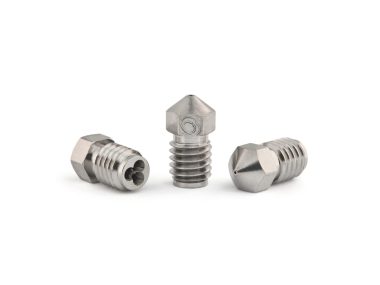
More info about the Bondtech CHT ® nozzles

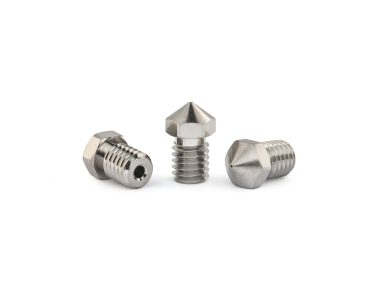
After a long year of Product Development and researching 3DSolex’s Core Heating Technology, we have the Bondtech CHT ® high flow nozzles out.

Coated Brass first.

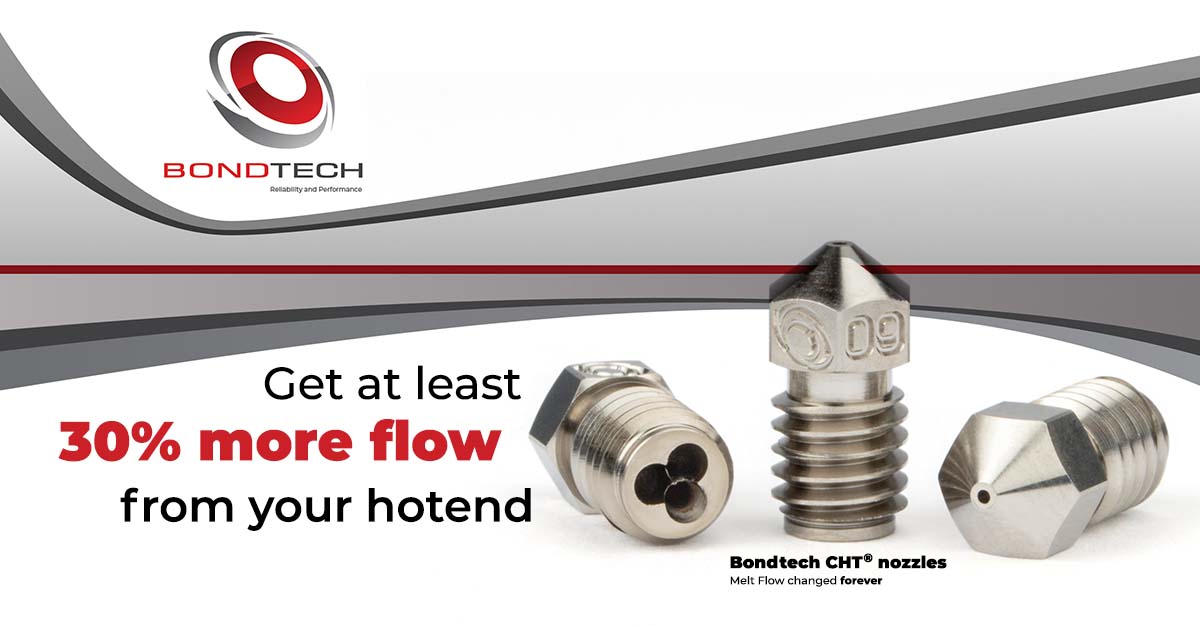
Get 30% more melt capacity from your hotend

It may sound like snake oil but it is in fact a leap forward. The Core Heating Technology is effective. The results are even better than what we promise on our Marketing.

We did a deep study and published the White Paper “Increasing Melt Capacity With 3 Key Nozzle Features”.

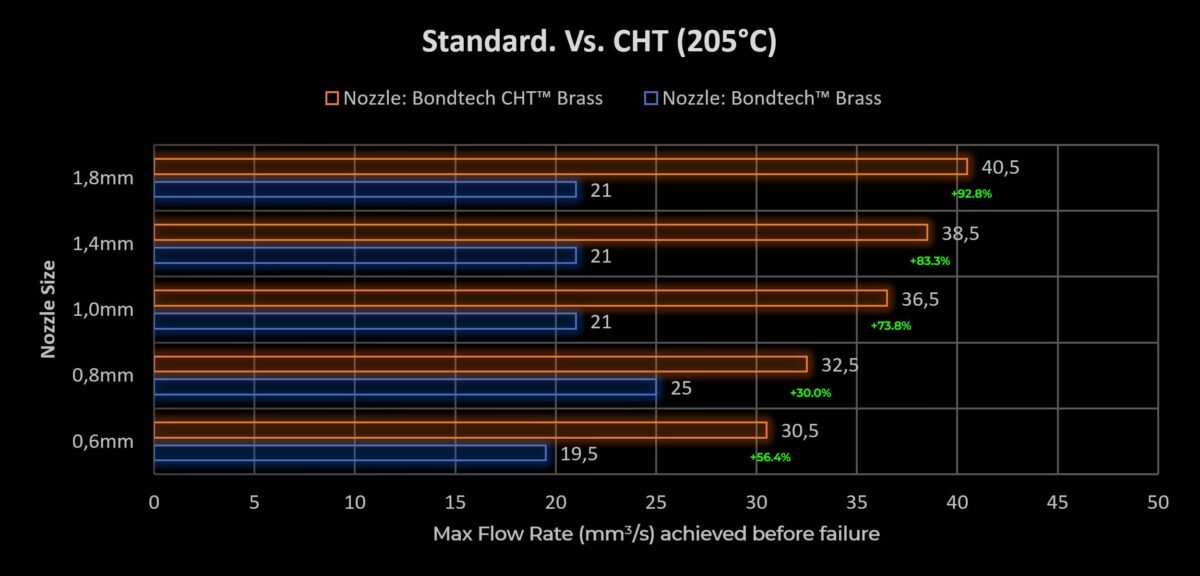
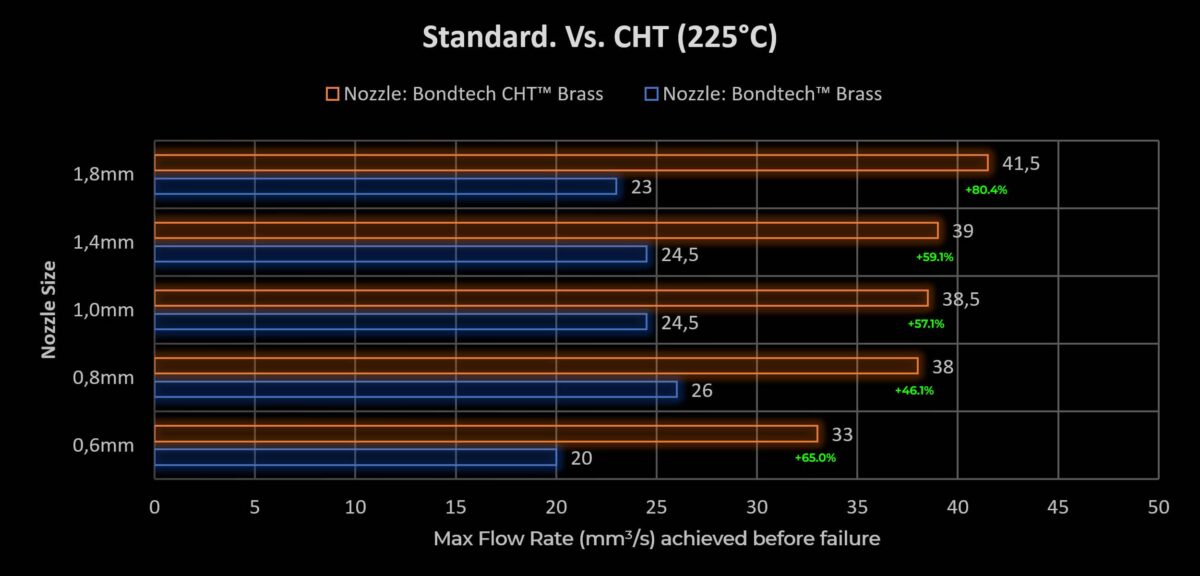
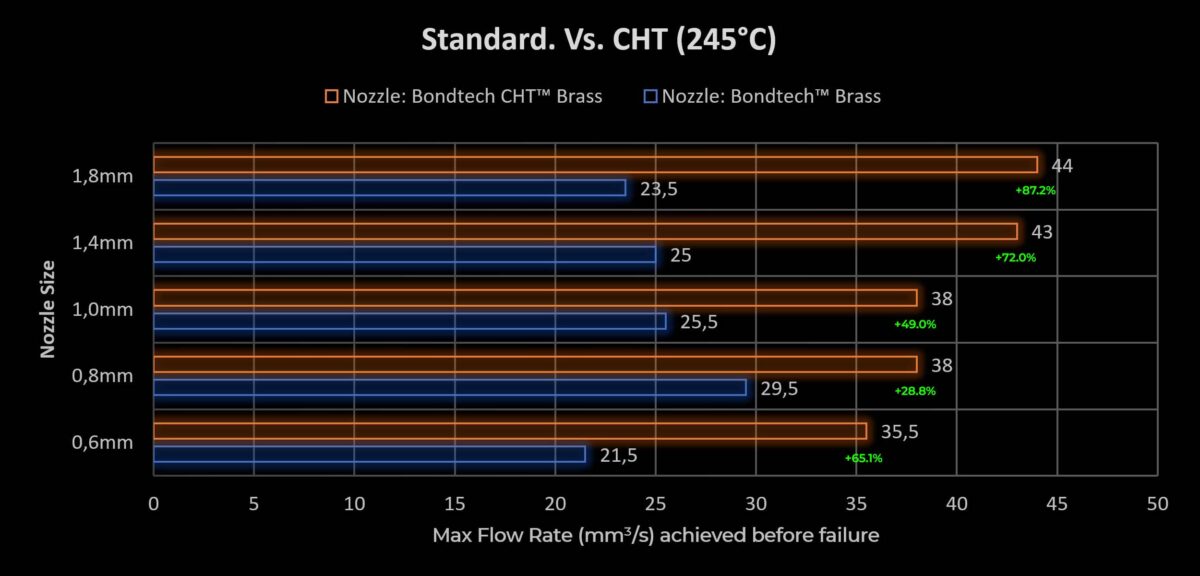
It shows the Bondtech CHT ® nozzles bring average gains on Volumetric Flow Rate performance above 60%.

Read White Paper

The video below shows a challenge between two 0.6 mm nozzles running on a Prusa MK3S with an LGX® Shortcut Copperhead™ Upgrade Kit and a Bondtech® 50W heater. To the left a Standard Coated Brass nozzle. To the right a Bondtech CHT ® nozzle.

A model is sliced ​​to go through a speed and Flow Rate slow increase from 17 up to 26 mm^3/s. The same G-code is used on both print jobs.

Both nozzles work well up to 19 mm^3/s. Above that, performance differences are well visible. Which one will do a better job?

What About
Cold Pulls?

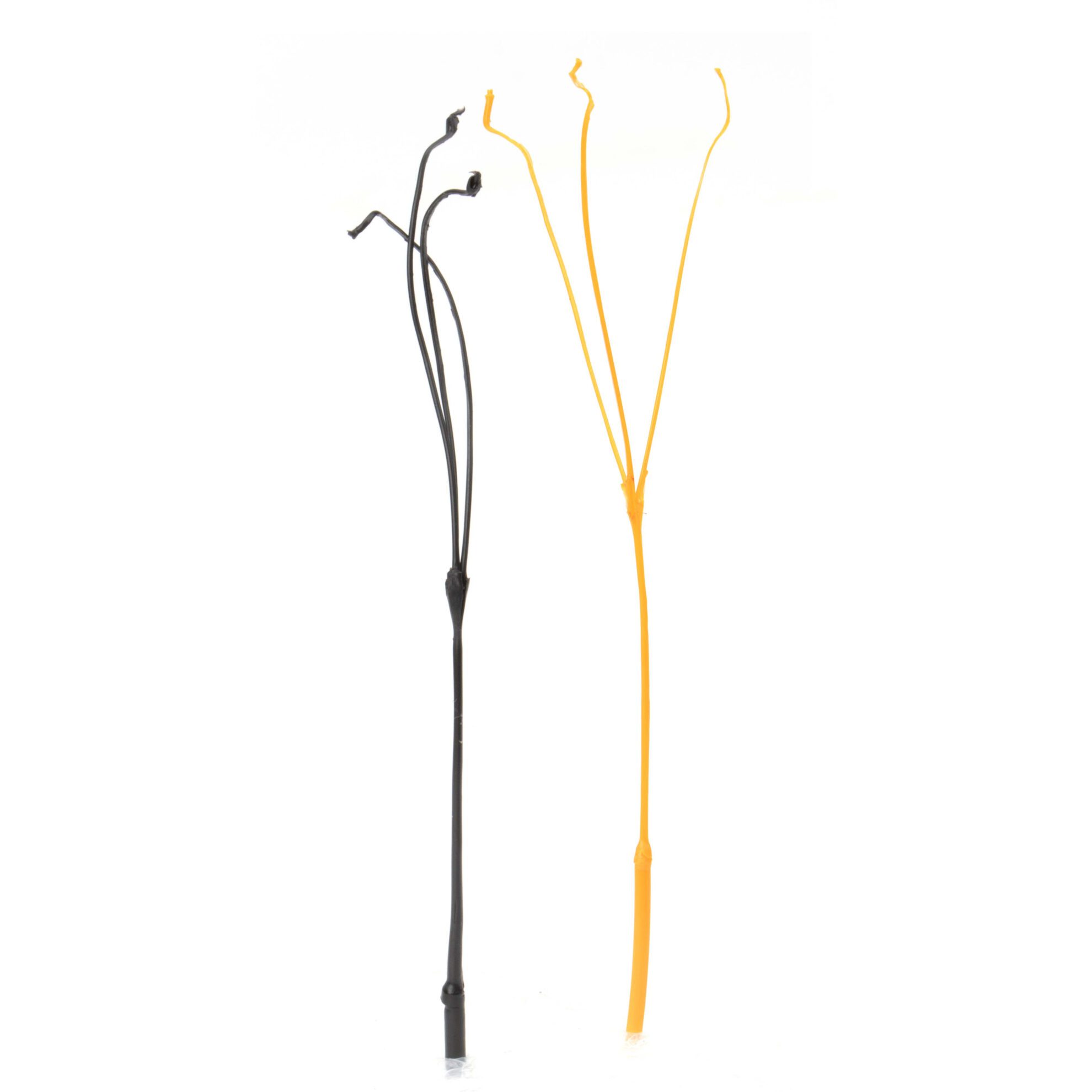
No problem with doing cold pulls or atomic pulls. This is how the strand comes out from the extruder side.

Click the image to see the full resolution picture.

What About
Retractions?

No problem with retractions. Here is a skull printed with a 0.6mm nozzle using 0.6mm as retraction distance.

What About
Abrasive Materials?

Not compatible with abrasive materials. First version out is Nickel Coated Brass. We plan to have a harder versions later.

Click the image to see the full resolution picture.

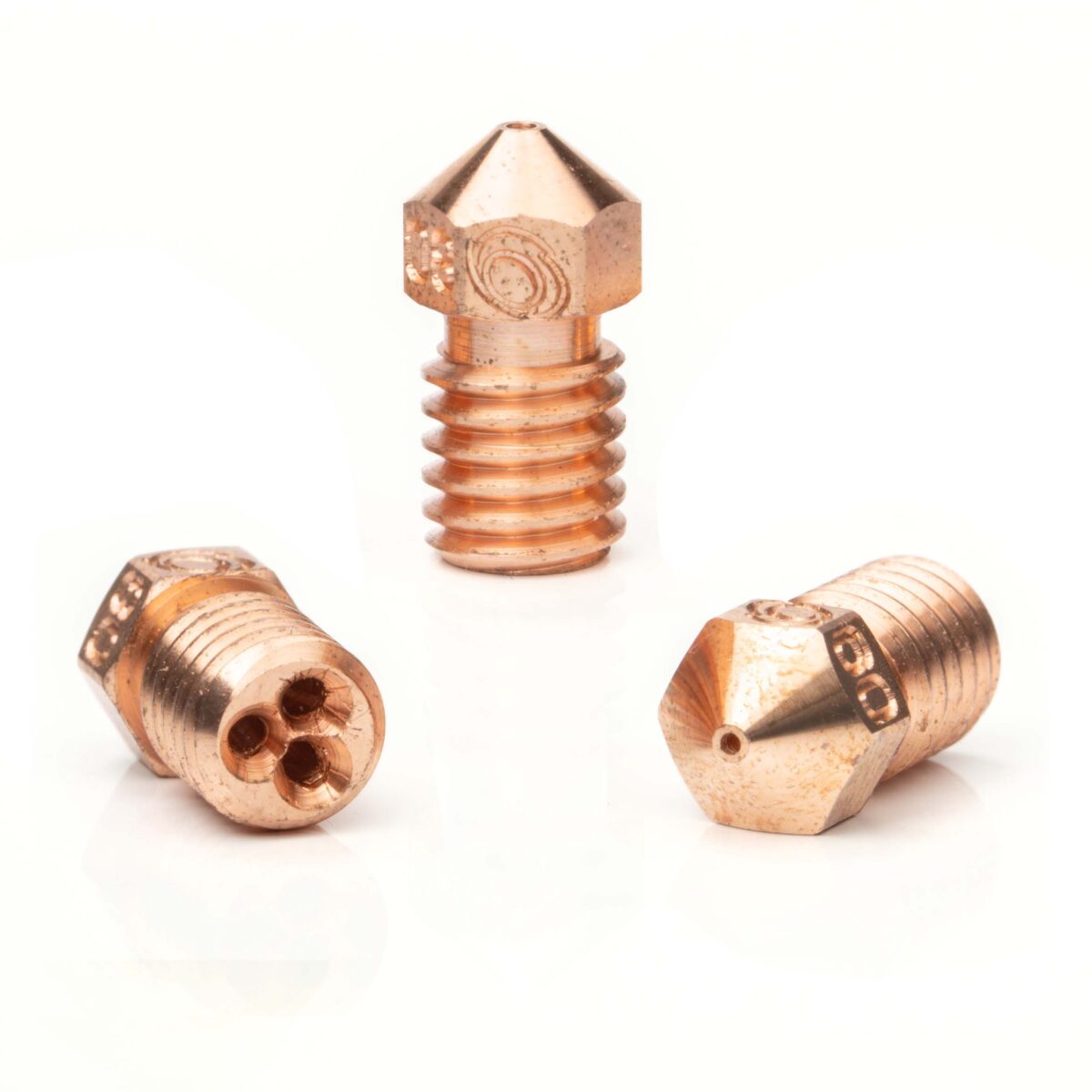
What About Copper nozzles?

We made some already. We are testing them.

We may come to have Copper Bondtech CHT ® nozzles in the Future.

Currently we are working on extending the nozzle range to cover the MK8 and Creality Pro standards.

From the White Paper : Volumetric Flow Rate Test Results

Performance @205°C
Standard vs. Bondtech CHT ®

Performance @225°C
Standard vs. Bondtech CHT ®

Performance @245°C
Standard vs. Bondtech CHT ®

Is it worth $19.90USD?

Absolutely!! It pays itself fast.

  • After 30 hours printing you save at least 10
  • Each machine-hour saved cost at most $1 . 99 USD
  • The nozzle is then on for free

ON SALE
Original price was: $124.38.Current price is: $105.73.
+
This product has multiple variants. The options may be chosen on the product page

Click here to know where to buy Bondtech CHT ® nozzles in your region.

Want to know more?

Register yourself or login to leave a Question, Reply or Comment in the section below.

If you didn't already, you can also subscribe to our newsletter to receive the short updates about our new products, updates or technology on your mailbox.

Thank you : )
No more difficulty with Bondtech on Prusa Mini


Prusa Mini hassle is over

Prusa continues to innovate and to deliver outstanding software.

This time a firmware update brings a very welcome change that allows for users to use custom extruders from Bondtech and adjust the minor settings required for them to work properly without any hassle.


As said by Prusa, “Based on the requests from the community this firmware release enables users to install and tweak settings for a custom extruder on the MINI and MINI+”.

Following those requests Bondtech and Prusa engaged in a conversation that ended up bringing this advancement to our common users.

Shoutout to Prusa.
Thank you for your efforts : )


As Bondtech users know so well, using a Bondtech extruder for Prusa Mini was only possible with custom firmware or slicer g-code adjustments that delivered a poor user experience.

From now on the following settings will be available:

  • Save and return
  • Z-axis length
  • Extruder steps per unit ( e-steps value)
  • Extruder direction( spin rotation )


To adjust these settings for your custom extruder, go to
LCD Menu -> Settings -> HW settings -> then long-press the knob.
Similarly to the MK3S+, a new “Experimental” submenu will appear on the screen to that purpose.

  • Set extruder steps per unit to 415.
  • Change extruder direction in case your feeder is reversed.

You may find more details on this release here:

https://github.com/prusa3d/Prusa-Firmware-Buddy/releases/tag/v4.3.3-RC


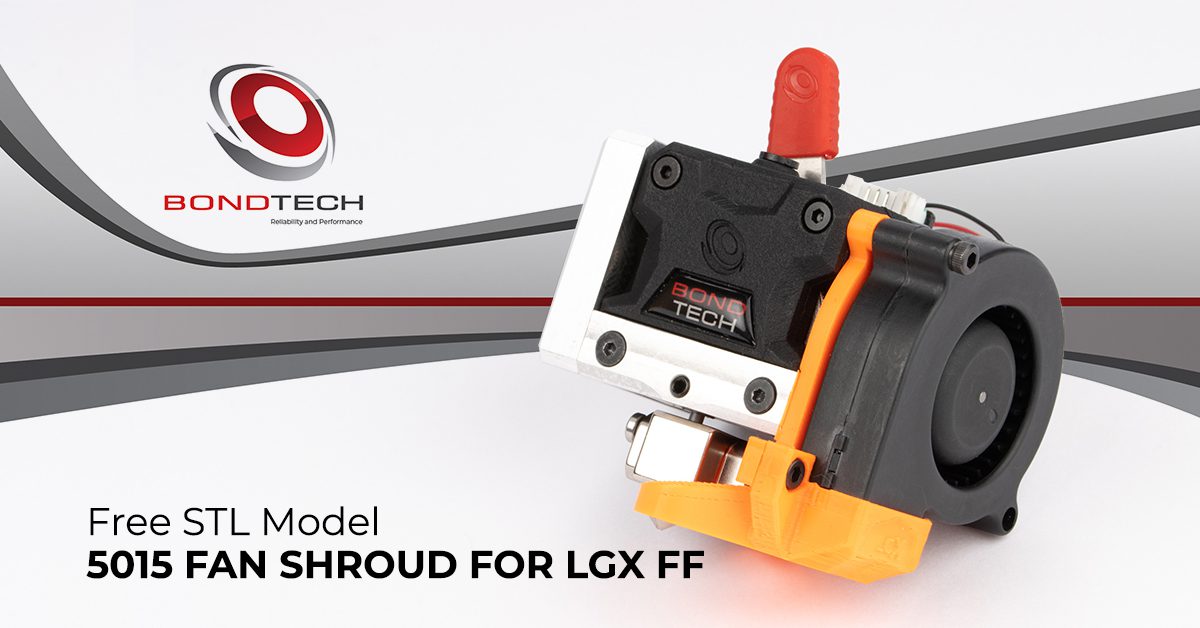
Free 5015 Fan Shroud For LGX Shortcut


Notice

The files may only be downloaded and used if you agree they:

  • are supplied as they are (without the right for technical support);
  • grant you no rights to any of its intellectual property;
  • and are licensed only for non-commercial application.


Download and 3D print it

Bondtech is sharing the STL files of the plastic parts required to mount a 5015 fan on the LGX Shortcut Copperhead, previously known as LGX FF

This set includes 2 plastic parts:

  • Fan Mount
  • Fan Shroud

These models were designed to be used on the left-hand side of the LGX.


All files supplied were adapted to be 3D printed with filament from the models we use on our powder based additive manufacturing processes like Laser Sintering or Multi Jet Fusion.


The STL models below are related to the following Bondtech Products:


+
This product has multiple variants. The options may be chosen on the product page


If you agree with the terms above, click the buttons below to download a ZIP file containing the STL model.


Fan Mount


Roll back and forth to zoom in and out.
Click and drag to rotate the view.

Download STL file

Download STEP file


Fan Shroud for Copperhead


Roll back and forth to zoom in and out.
Click and drag to rotate the view.

Download STL file

Download STEP file


Check this video to see how the 5015 fan shroud and mount are installed.

Please note that in the video we are using a LGX (DD) extruder, but this 5015 fan shroud and mount may only be used on the LGX Shortcut Copperhead printhead.

https://youtu.be/H6RCI2P1-tQ


Now also available for LGX Shortcut Mosquito

If you agree with the terms above, click the buttons below to download a ZIP file containing the STL model.


The same Fan Mount


Roll back and forth to zoom in and out.
Click and drag to rotate the view.

Download STL file

Download STEP file


A Fan Shroud for Mosquito


Roll back and forth to zoom in and out.
Click and drag to rotate the view.

Download STL file

Download STEP file


Want to know more?

Register yourself or login to leave a Question, Reply or Comment in the section below.

If you didn't already, you can also subscribe to our newsletter to receive the short updates about our new products, updates or technology on your mailbox.

Thank you : )
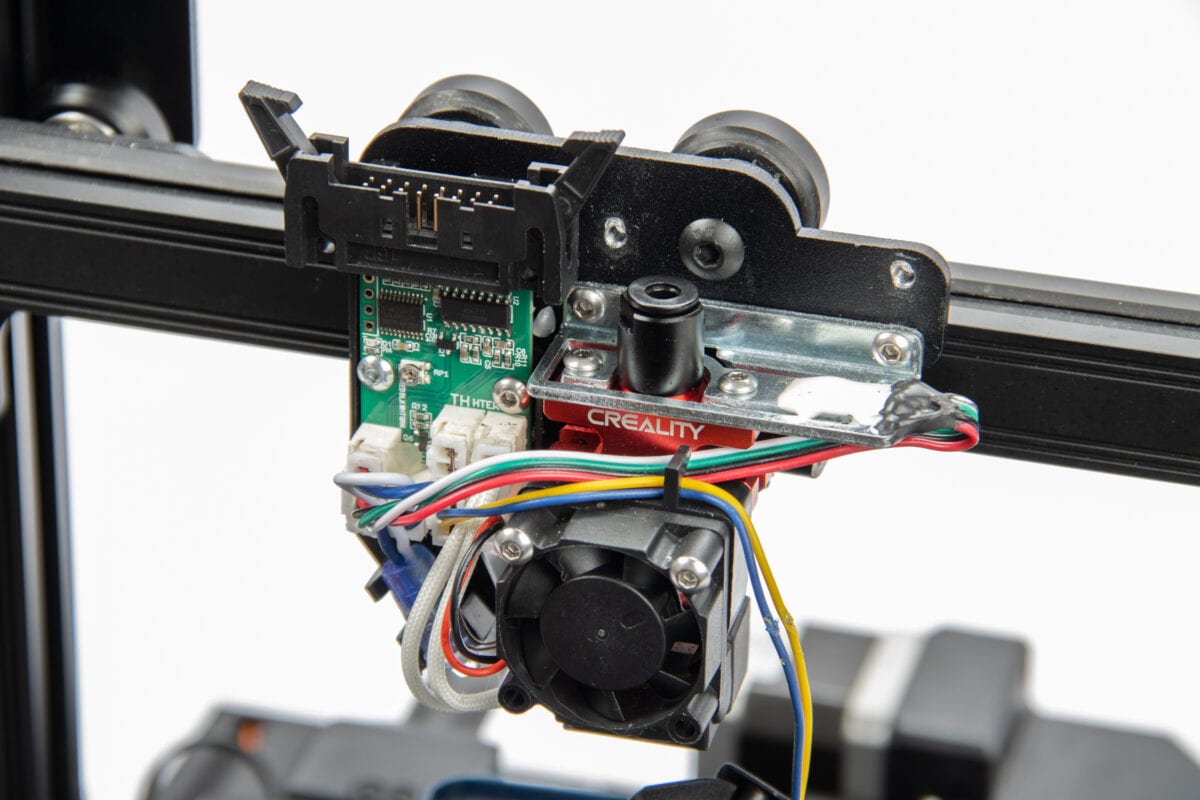
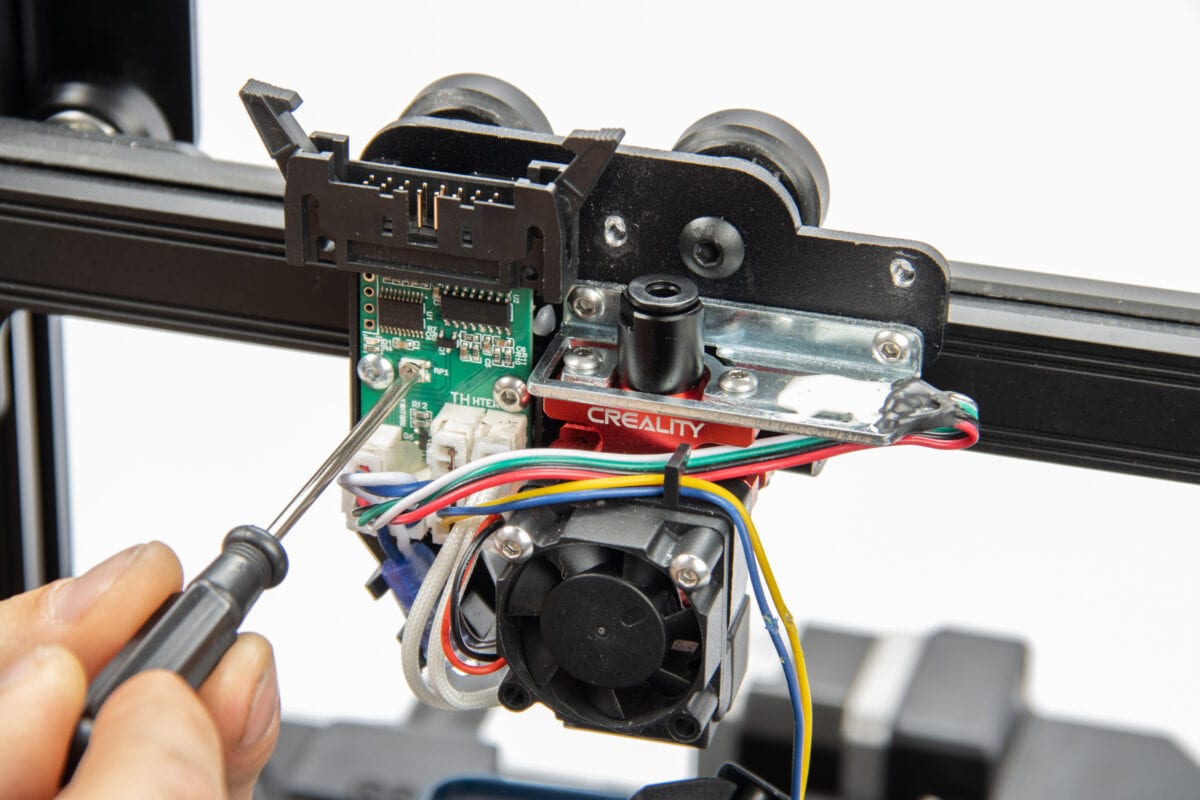
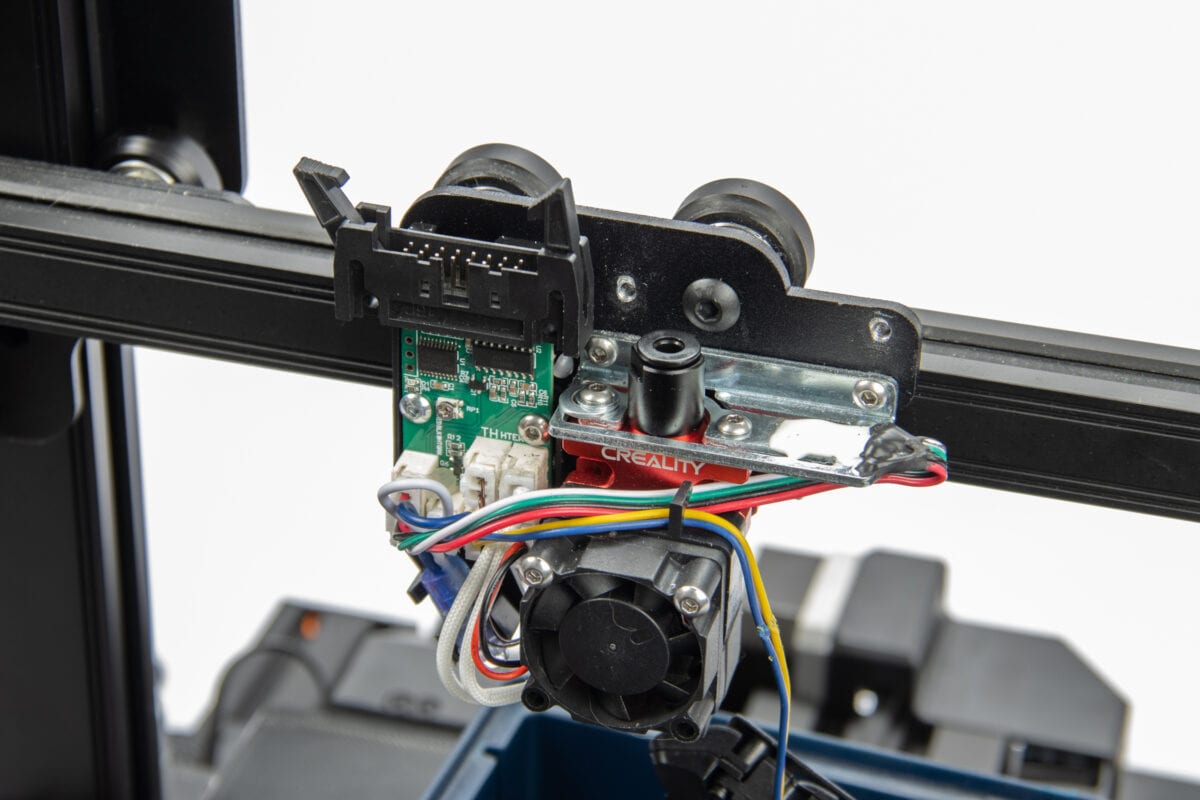
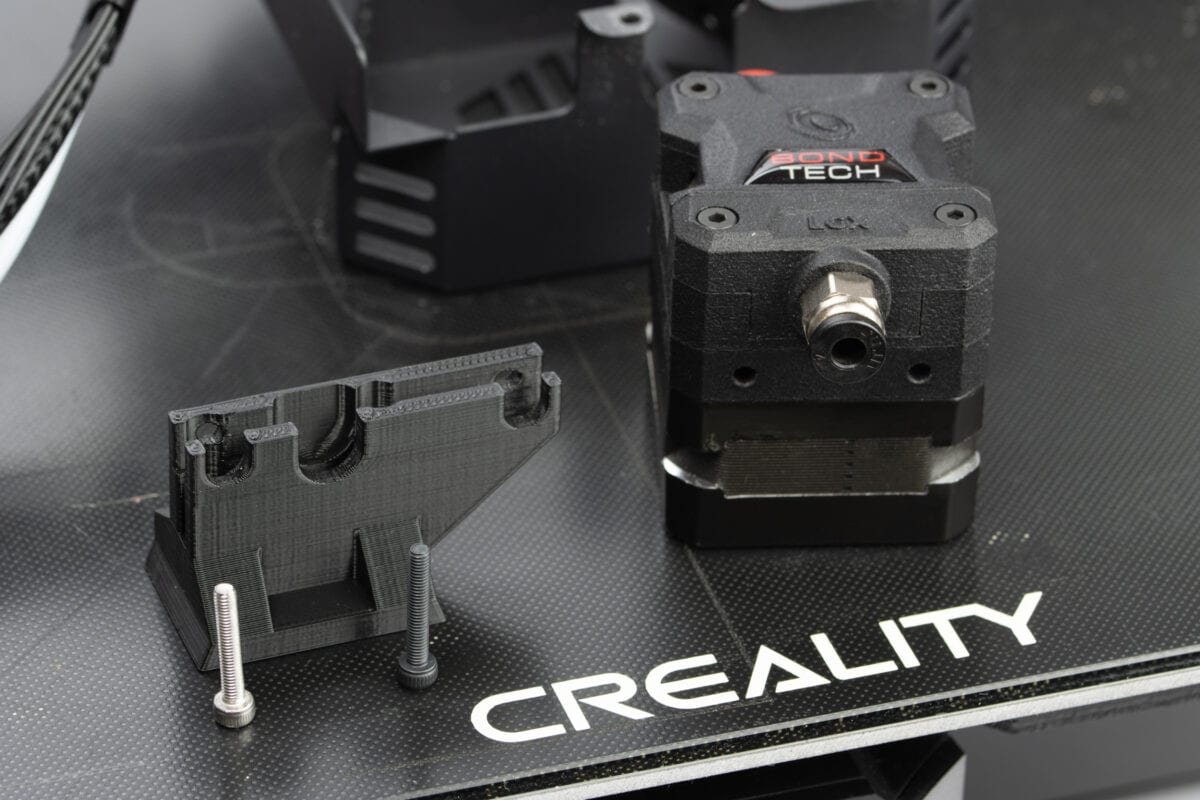
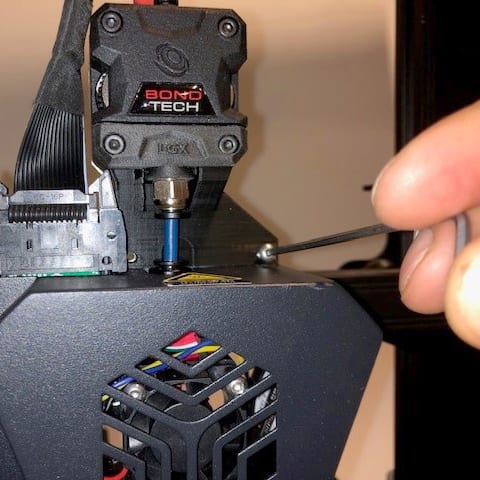
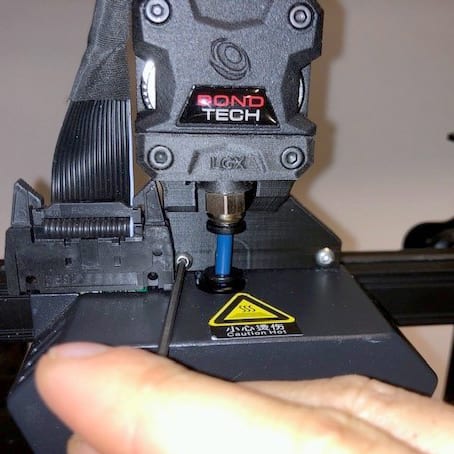
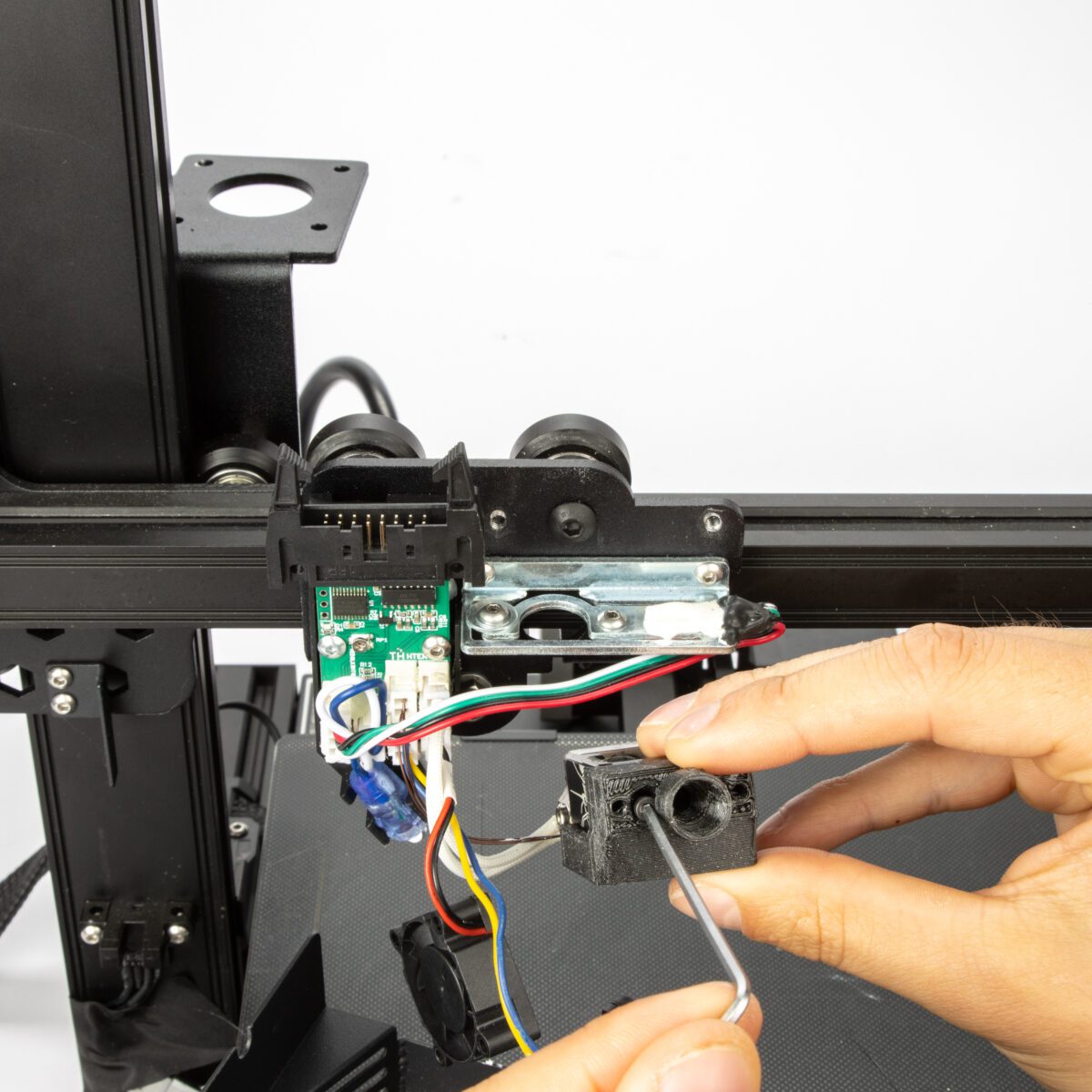
How To Install A LGX On The CR-6 SE


Project give-away
LGX on CR-6SE

With this post we will teach you how to upgrade the Creality CR-6 SE with a Bondtech LGX, from the stock bowden setup to a shortbowden extruder setup.

This setup uses the stock hotend. We are also preparing parts that will allow to use other hotends like Copperhead and Mosquito.

Bondtech is sharing the STEP and STL models of the required plastic parts. Check below for links to download them.


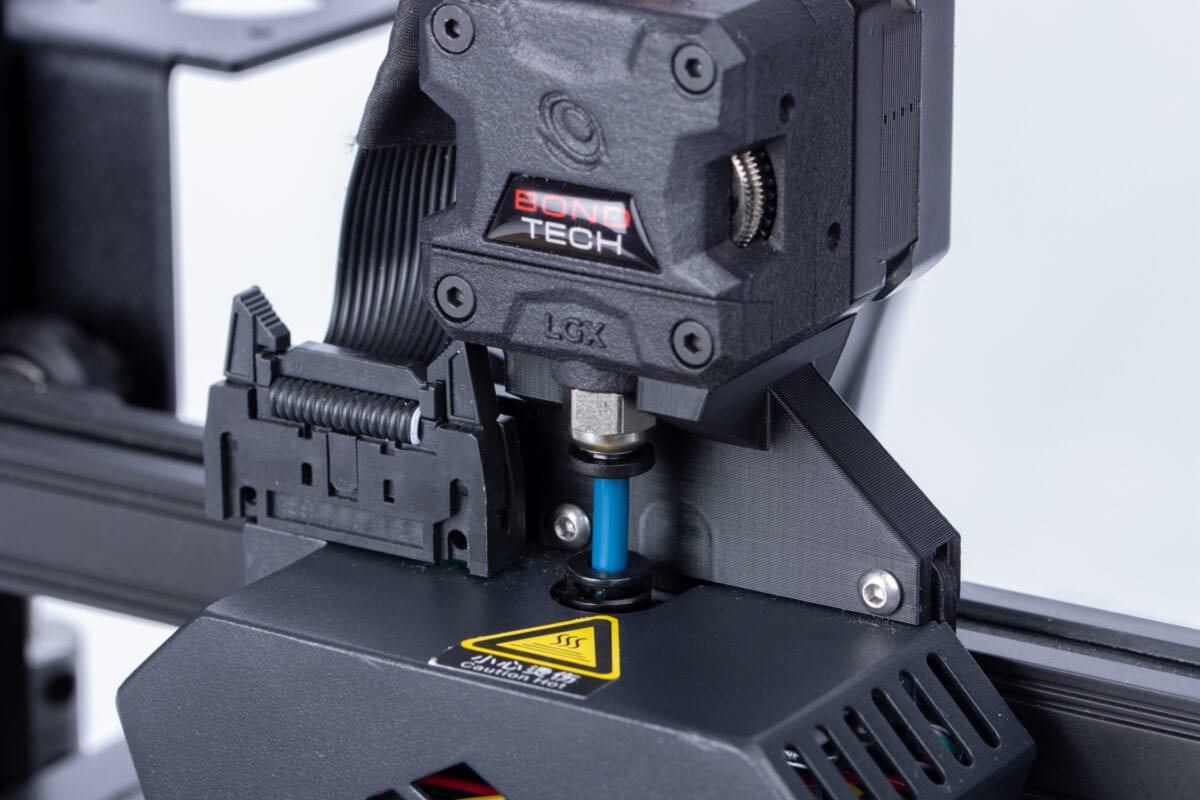
To install this upgrade you need to 3D print the plastic parts and buy the Bondtech products below.

We ask you to source PTFE tube, but Capricorn will be a better option.

For a more long lasting solution consider upgrade the hotend to an all-metal.


POST PUBLISHING UPDATE

This post tells you how to install a LGX extruder on the CR-6 SE, but check also what Michael Bourque did. Below find links to his related projects with very interesting solutions.


1. Source these items


LGX eXtruder
Required


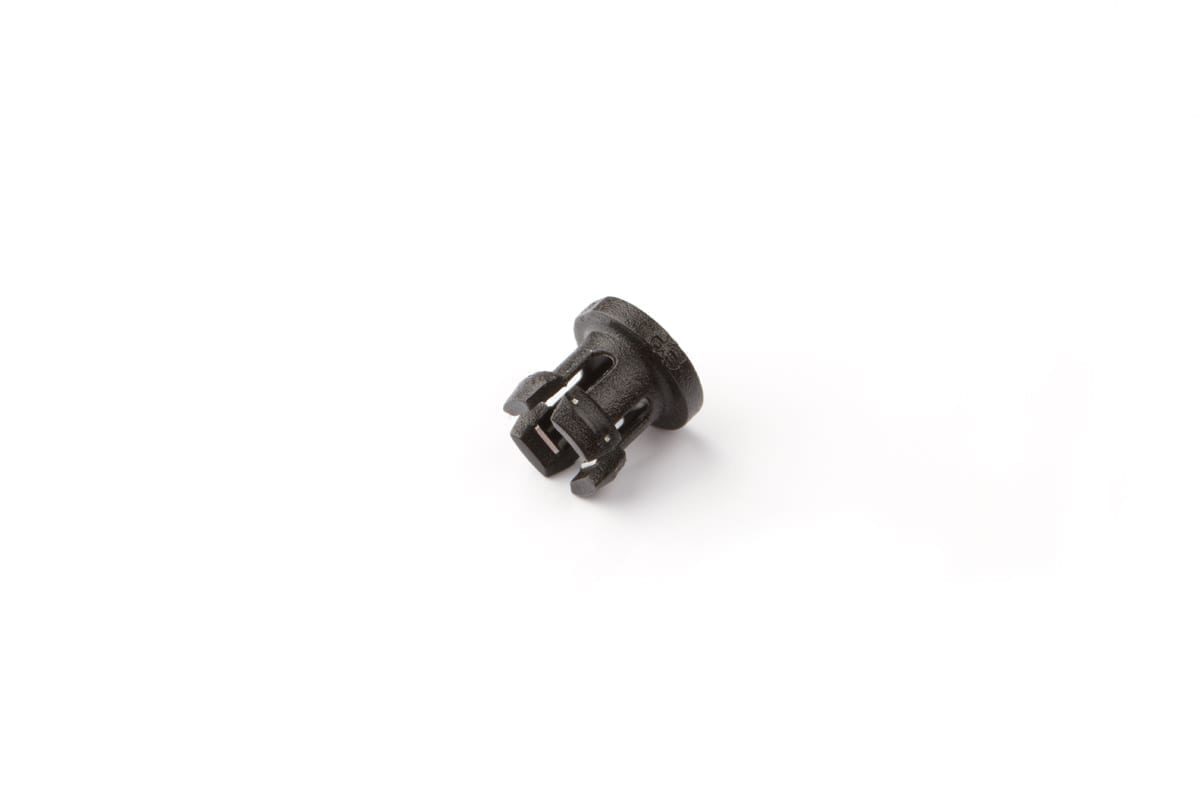
4mm Push-fit Collar
Optional


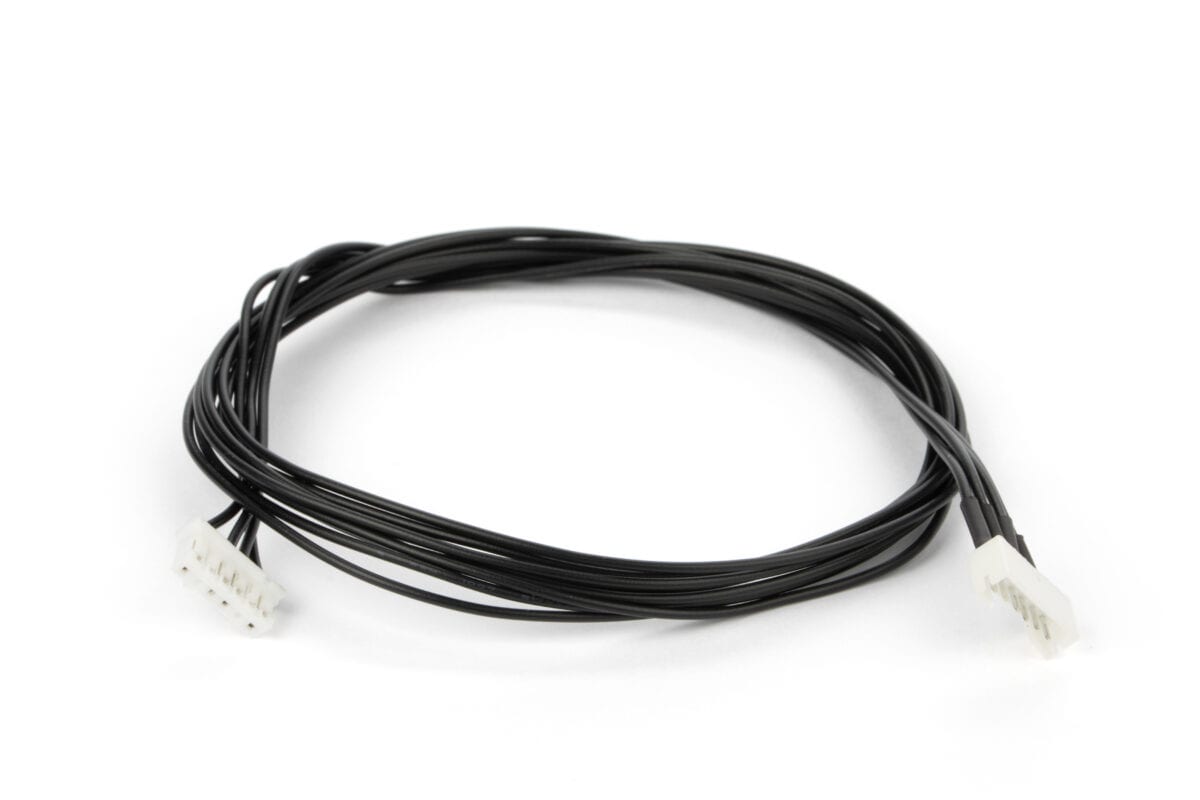
DDX extension cable
JST-XH6 > JST-PH6 Required


90mm 2/4 PTFE Tube
Required


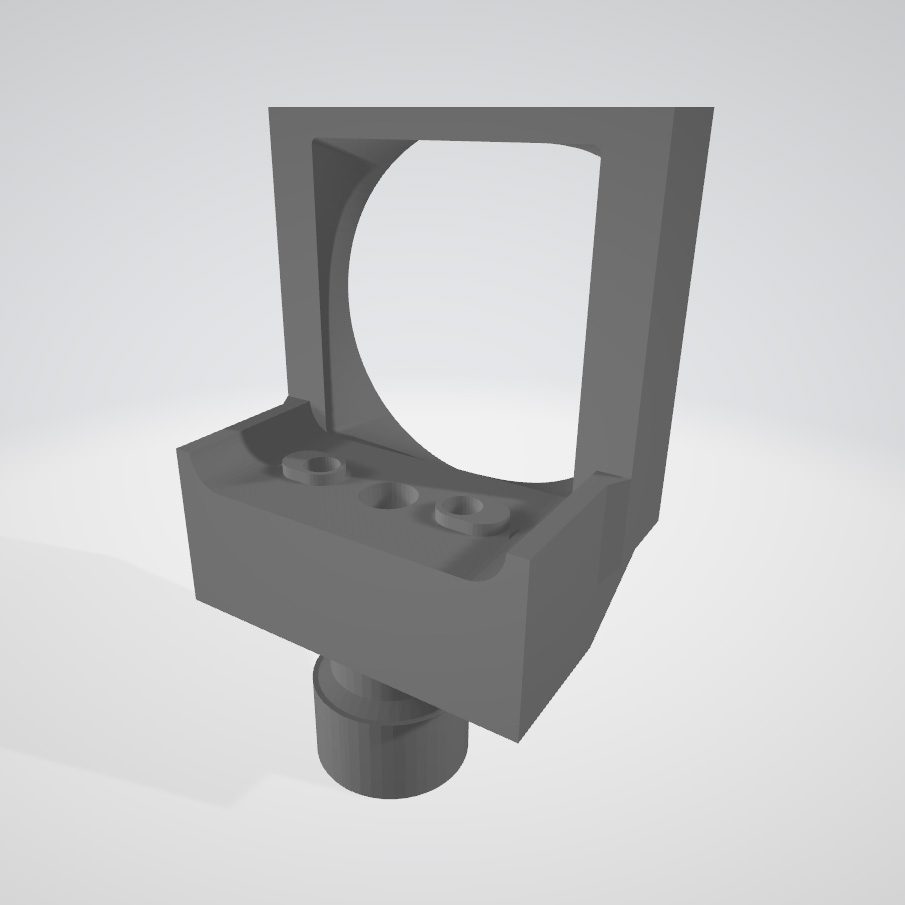
2. Print these models

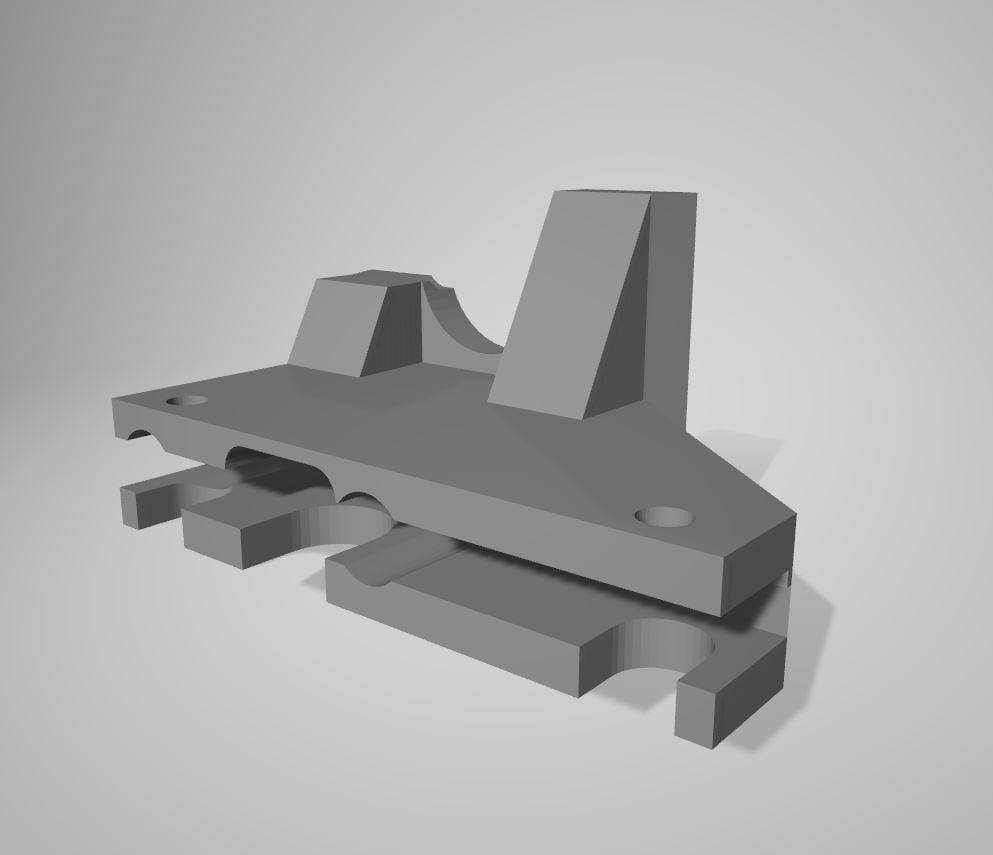
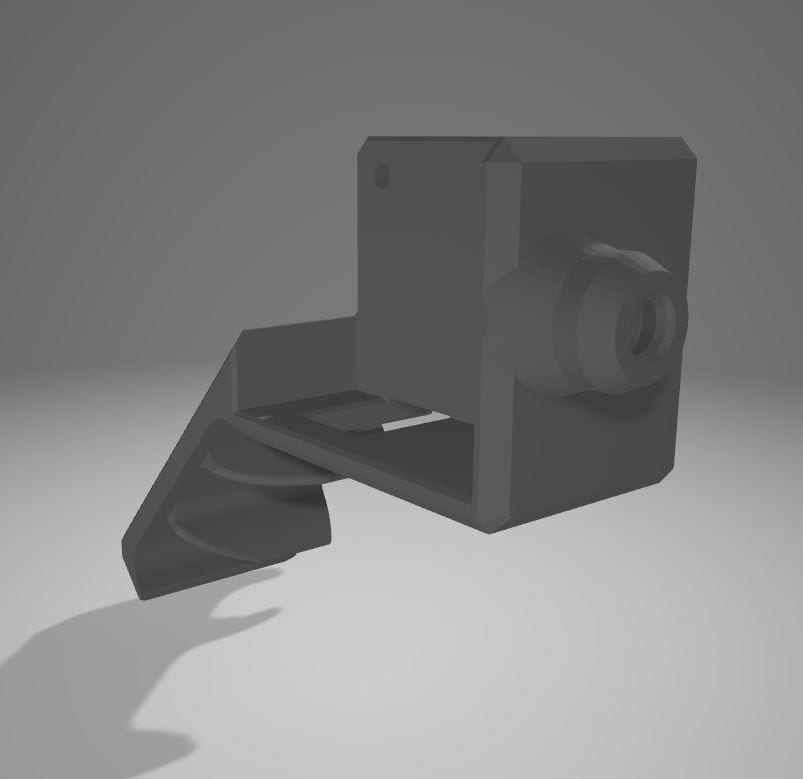
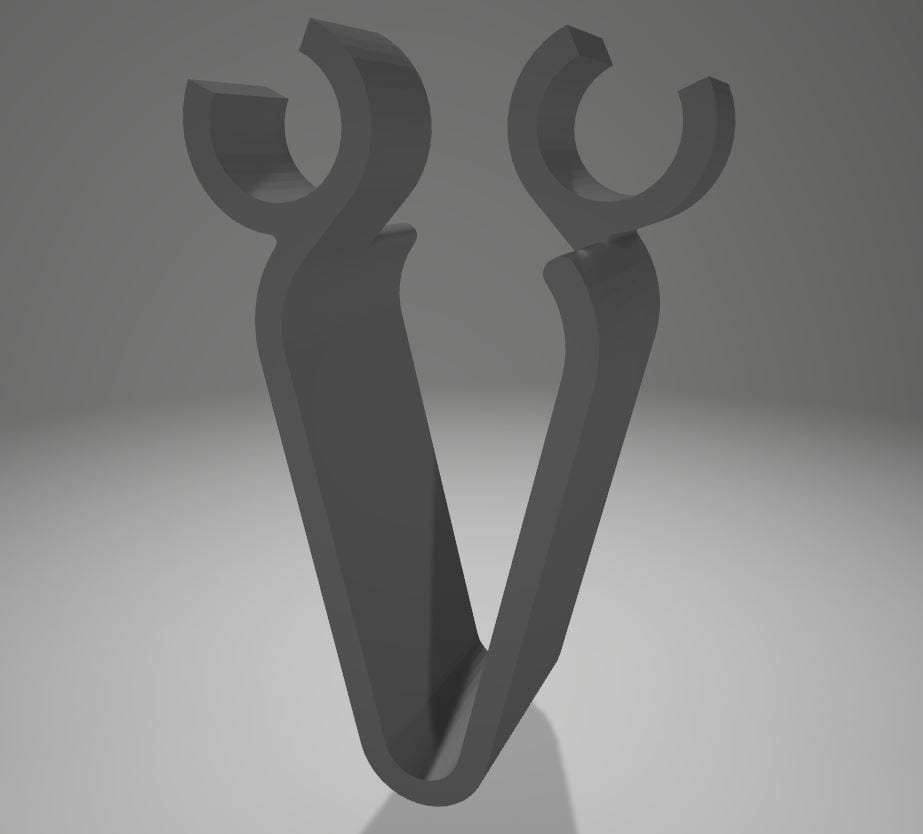
Click each image to download the STL model.


Mount for LGX

Download STEP


Runout Sensor Mount

Download STEP


Wide Cable Holder

Download STEP


3. Look for this mounting hardware


2x
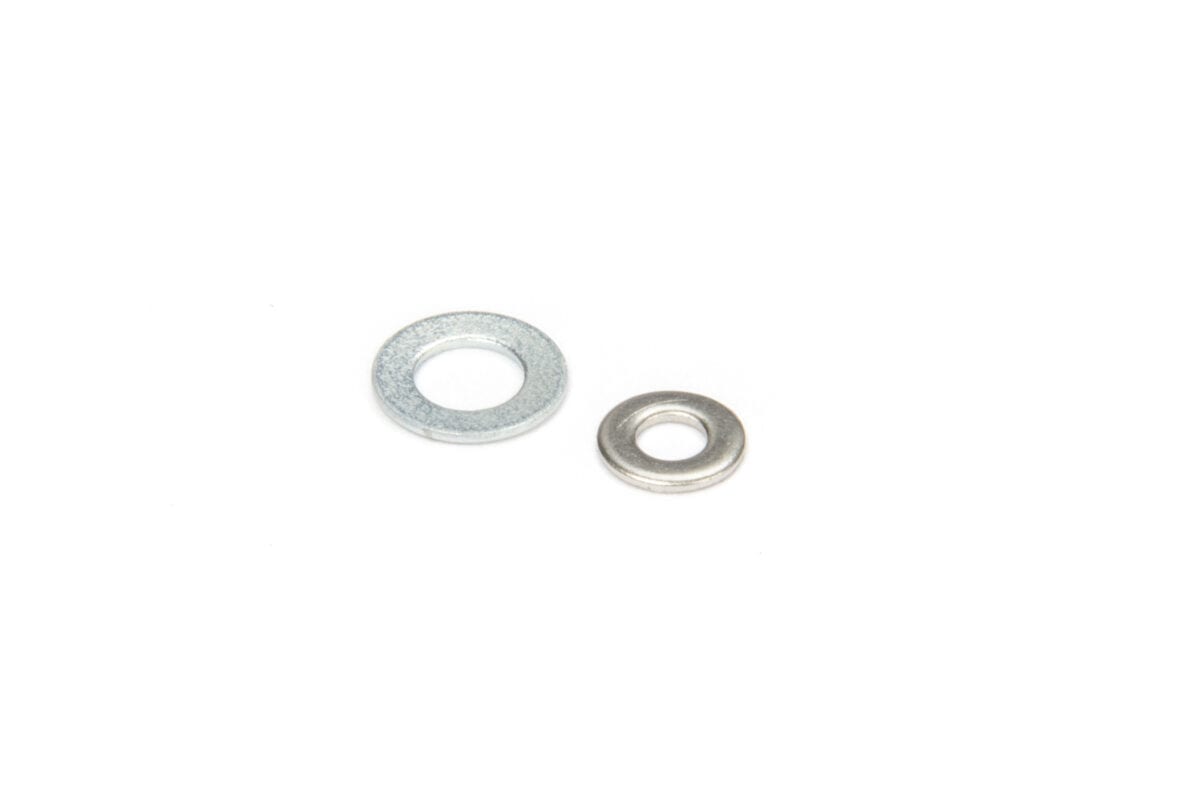
M3 plus M5 washer

Source the washers from any available supplier or home stash.

They will be used to block the downward movement of the hotend.


2x
Zip-tie

Source a pair of zip-ties from your tool-box or local supplier…

… to hold the cables with the Runout Sensor Mount.


2x
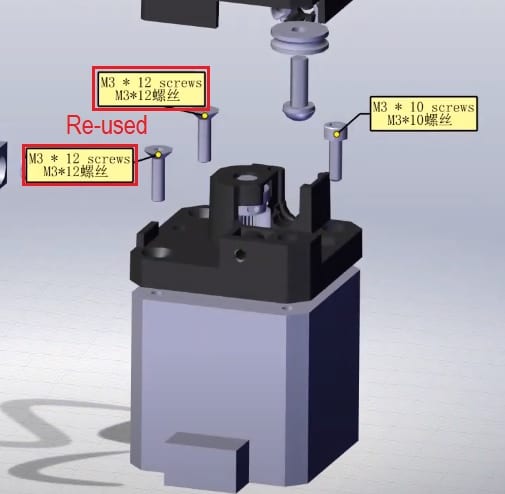
M3x12mm countersunk

Re-use both from the stock extruder as shown in the picture.

They will be used to grab the Mount to the X-carriage.


2x
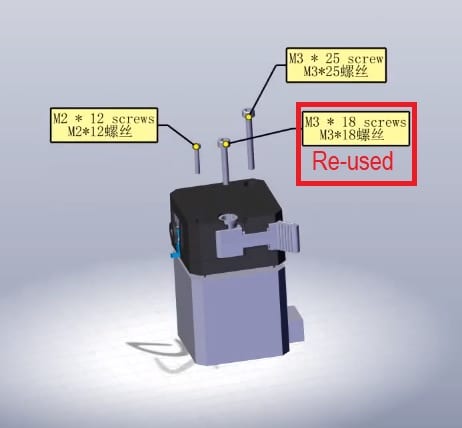
M3x18mm

Source one from your stock extruder as shown in the picture.

They will be used to hold the LGX to the Mount from below.


4. Complete these steps


https://youtu.be/miW_zsX0tio


5. Be aware of the following


1. The LGX can be used on this setup with either the Direct or Bowden extruder interface plugs. On our setup we are using the Bowden interface plug. This is how we recommend you use it.


2. The PTFE (or Capricorn) tube in between the LGX and the hotend should be partially mobile to allow the levelling to take place. Do not use clips to secure it. Leave it floating on the LGX and hotend side.


3. The washers we use above the levelling plate are used to allow the hotend to rise when levelling and to prevent it from dropping when the extruder pushes filament out.


4. Do not connect the LGX stepper motor directly to the stock stepper motor cable. Use the recommended extension cable or make a compatible cable following our stepper motor’s technical data.


5. On the video we finish the setup by adjusting the Vref from 1.36 (stock value on our printer) to 0.8. It is recommended to use from 0.4 to 0.8. Lower the Vref if stepper motor is too hot to touch. Use a Multimeter to perform the procedure. Remember to read using VDC and to use a scale that may show you at least 2 decimal places.


6. Adjust the trigger threshold of the strain gauge. To raise its value twist the potentiometer clockwise, and counter clockwise to lower it. We got the best results setting it up to its minimum.
To know more about tuning the strain gauge levelling on Creality read this post from Sebastiaan Dammann.


7. Set the e-steps value to 400. You can either do it by: adding a M92 g-code command to the start g-code of your slicer; creating a g-code file with the M92 E400 and M500 commands and “print it” (recommended); or update the firmware including that change.


8. We achieved the best print results by using the Prusa Slicer to create the g-code files. The 3DBenchy we are making on the demo video was printed with E-PLA from Add:North, and with the following LGX profile: LGX_CR-6


See The Upgrade Kit In Action Printing A 3D Benchy

Warning – It is a very boring video : )


Want to know more?

Register yourself or login to leave a Question, Reply or Comment in the section below.

If you didn't already, you can also subscribe to our newsletter to receive the short updates about our new products, updates or technology on your mailbox.

Thank you : )
STL & STEP Models For Download : LGX FF on Prusa


Notice

The files may only be downloaded and used if you agree they:

  • are supplied as they are (without the right for technical support);
  • grant you no rights to any of its intellectual property;
  • and are licensed only for non-commercial application.

We reserve the right to legally pursue any infringement to any of these terms.


Download and 3D print it

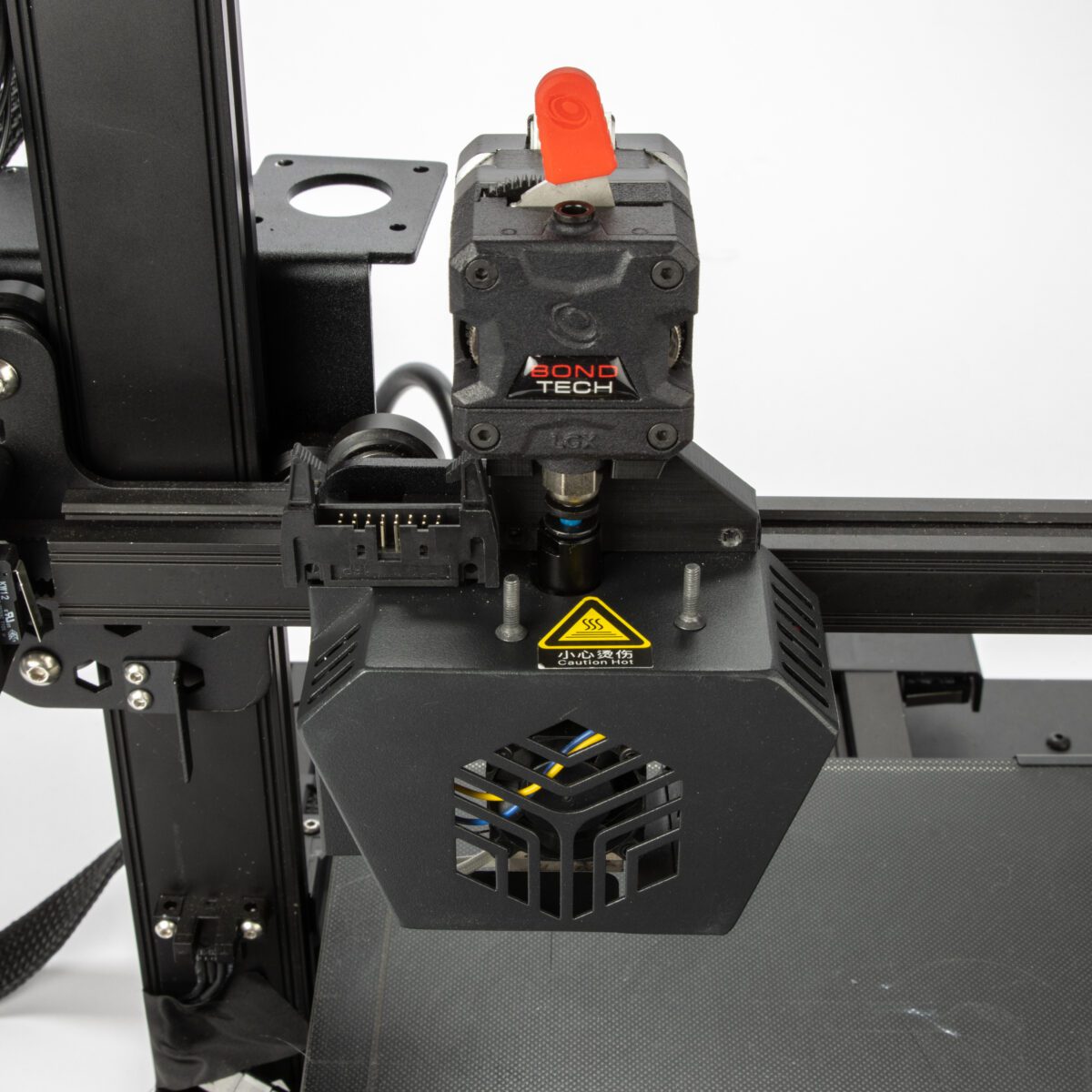
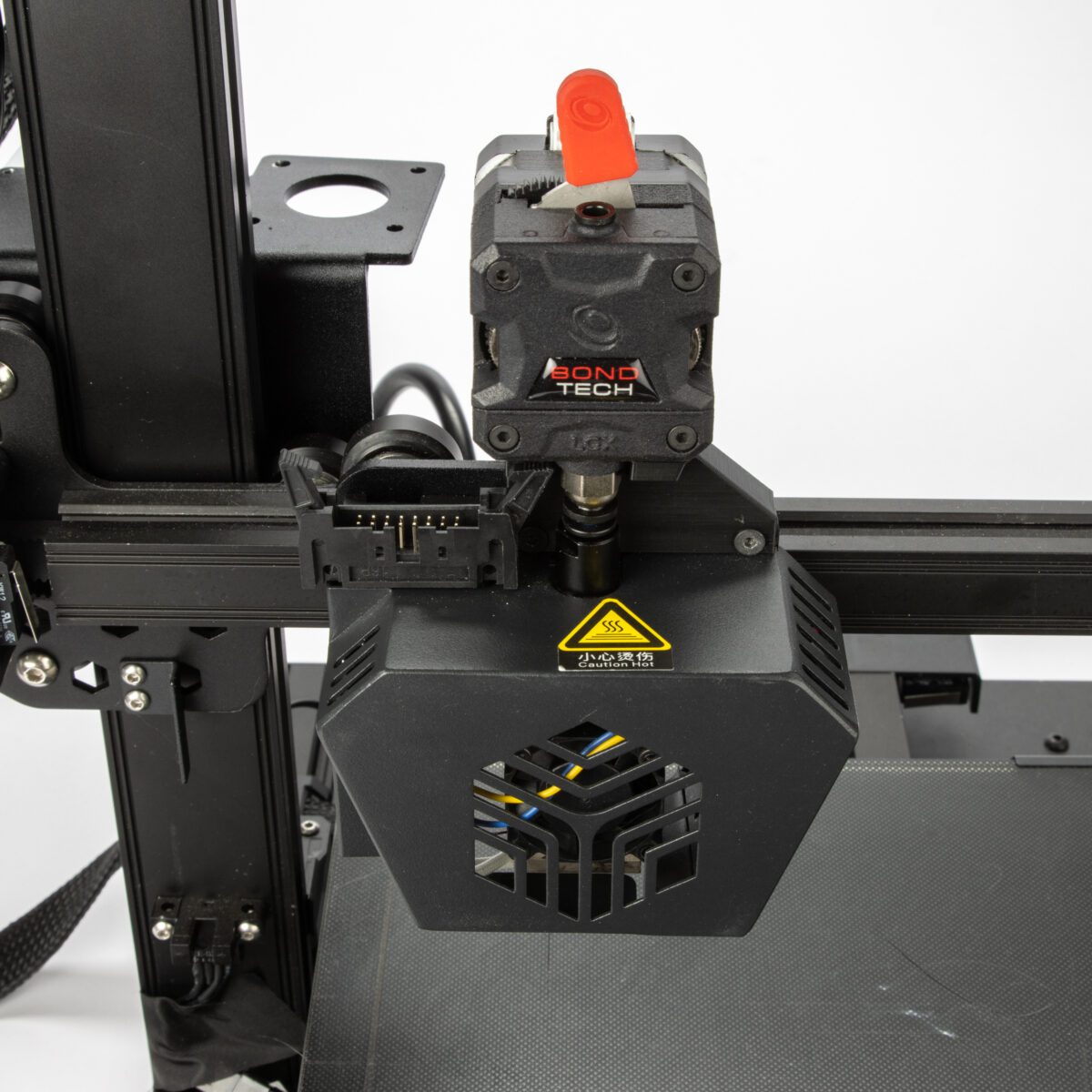
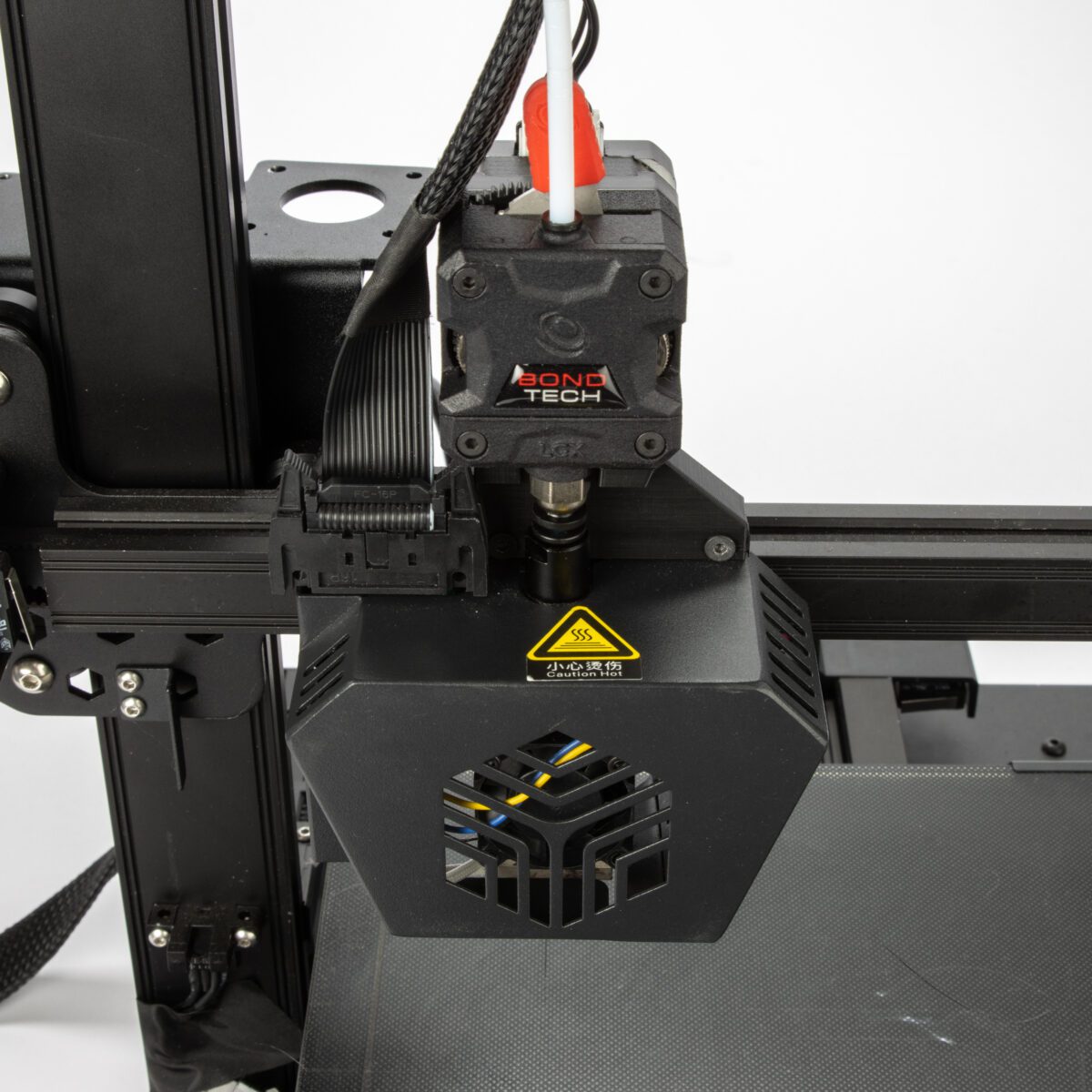
Bondtech is sharing the STEP and STL files of the plastic parts in the LGX™ Accessories for FF Prusa MK3S

This set includes 6 plastic parts:

  • X-Carriage Front
  • X-Carriage Rear
  • Mount Plate
  • Fan Shroud
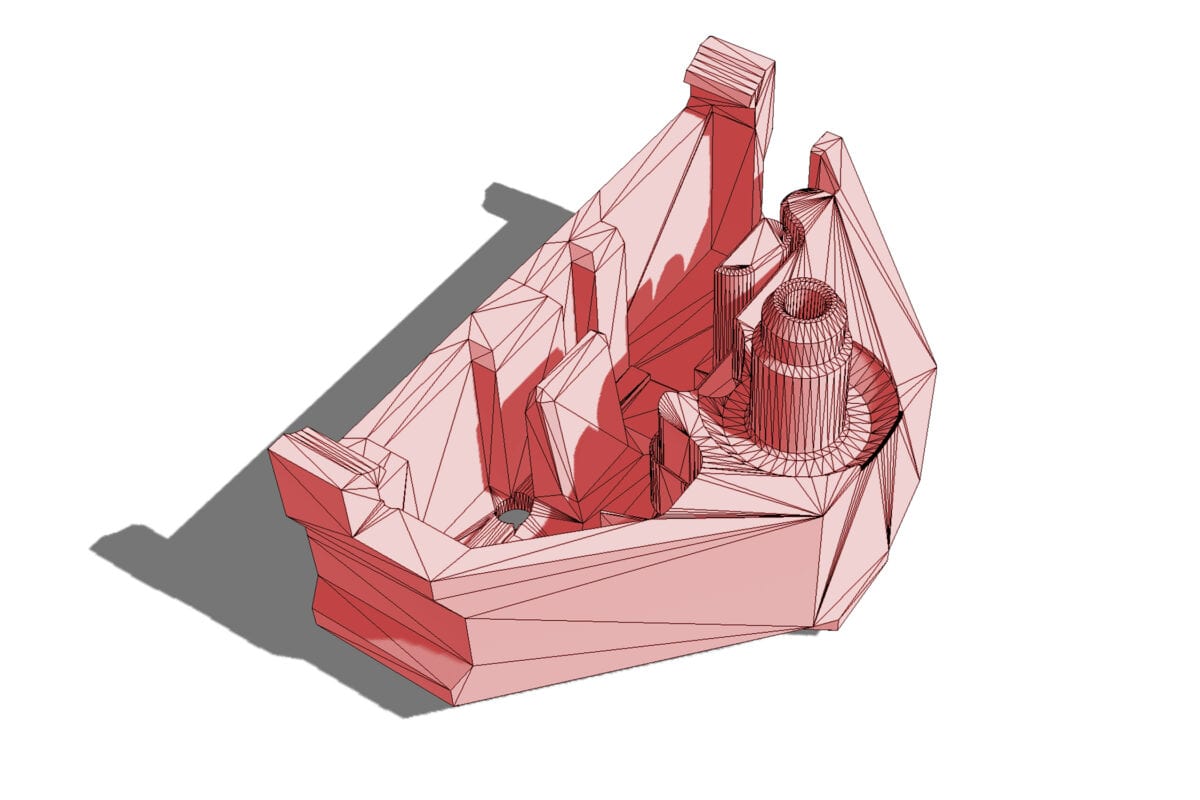
  • Filament Sensor Box
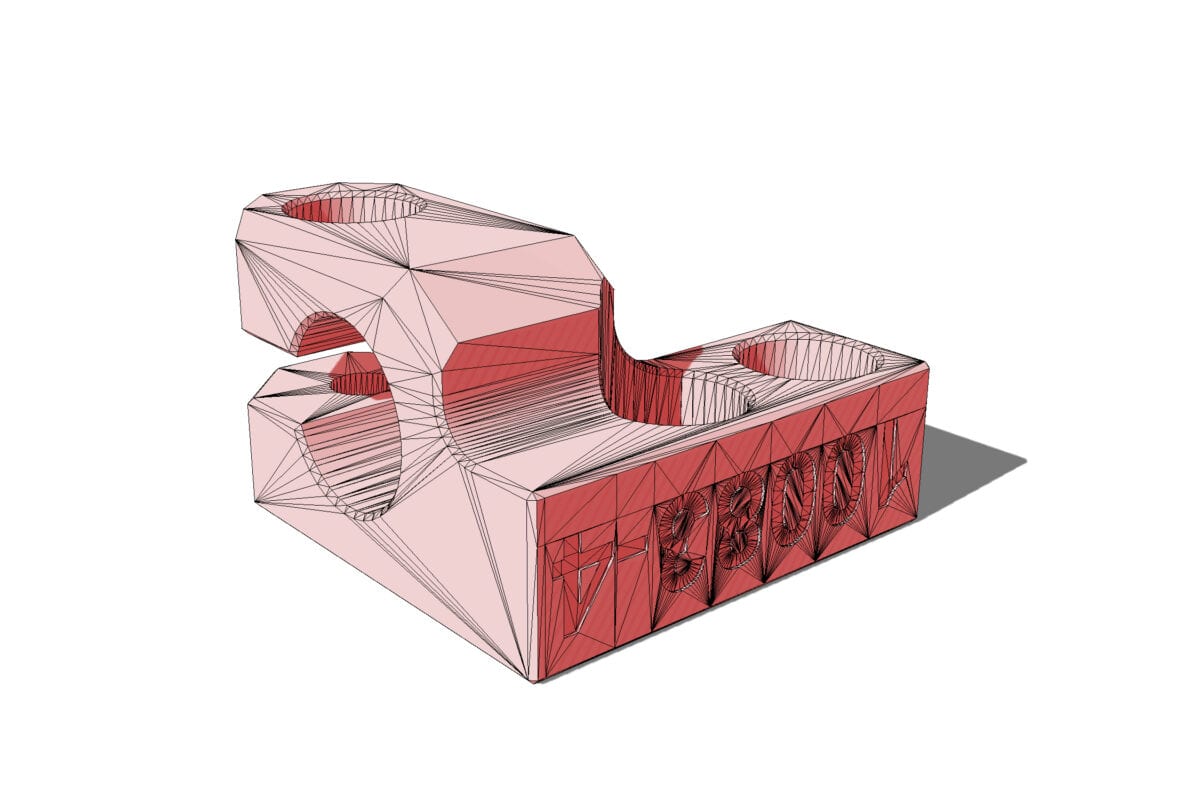
  • Pinda Holder


All files supplied were adapted to be 3D printed with filament from the models we use on our powder based additive manufacturing processes like Laser Sintering or Multi Jet Fusion.


The STEP and STL models below are related to the following Bondtech Products:


If you agree with the terms above, click each image to download a ZIP file containing the STL model.


X-Carriage Front


X-Carriage Rear


Mount


Fan Shroud


Filament Sensor Box


Pinda Holder


Click The Button To Download The STEP File


Check this video to see how it is assembled.

https://youtu.be/fiGVSUBwWAg


Filament Sensor Box Detail

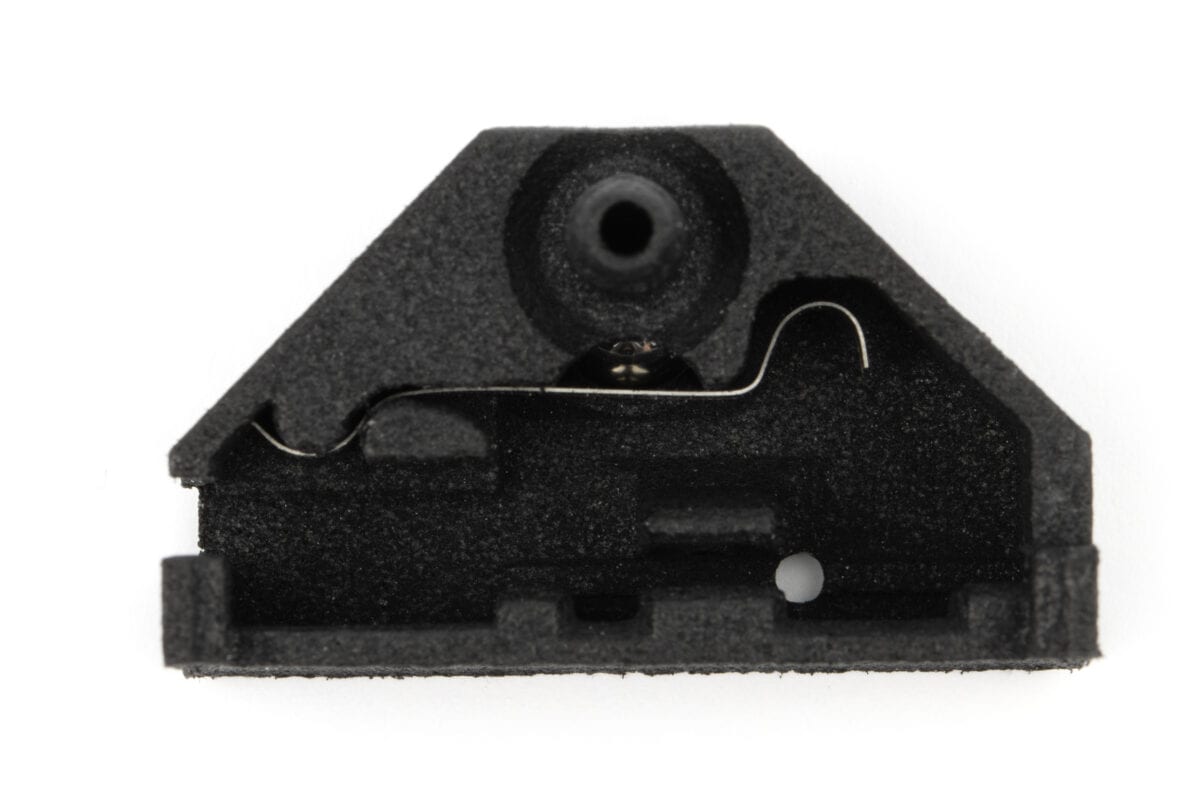
For the LGX filament sensor box to work properly you will need to source the components mentioned in the list below. We are not supplying them separately.

  • 1x 7mm steel sphere
  • 1x steel spring with the following features and design (check picture):
    • 4.4mm in width;
    • 28.86 mm in length;
    • 0.15mm in thickness.
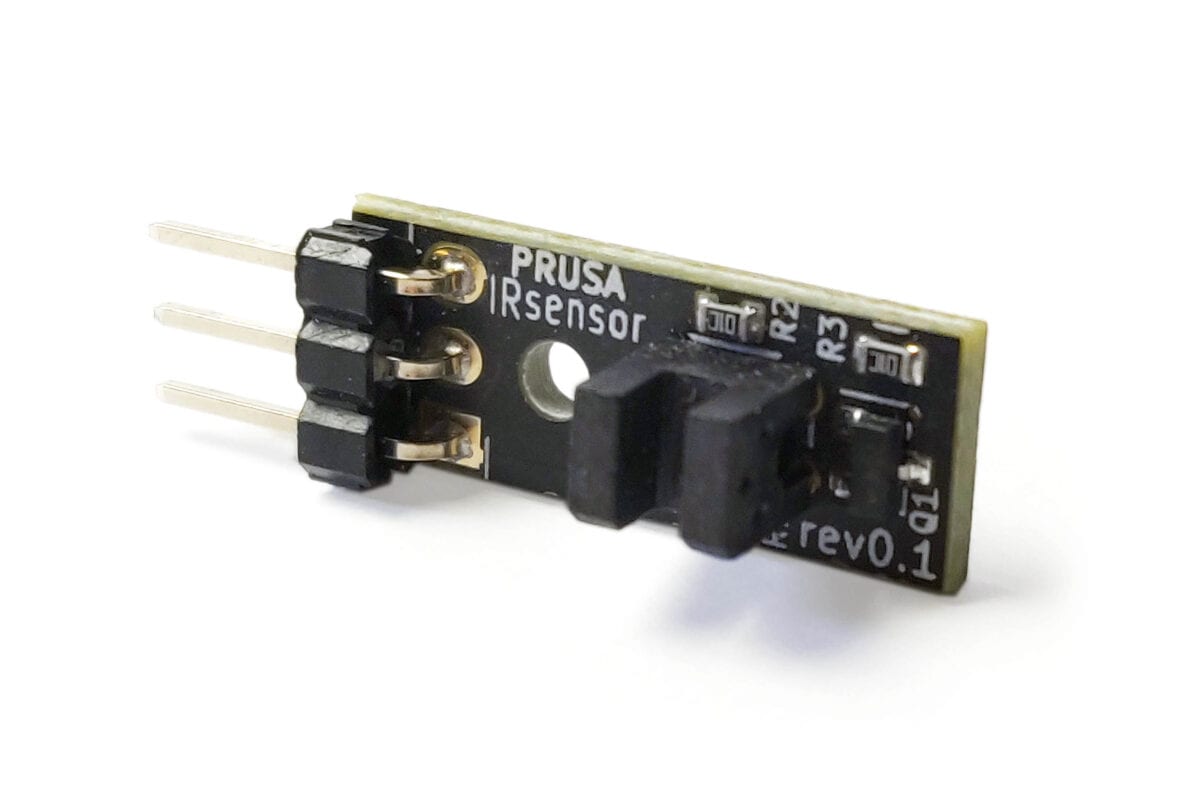
  • The Prusa MK3S IR filament sensor


Check this video to see how the filament sensor box is installed.


Want to know more?

Register yourself or login to leave a Question, Reply or Comment in the section below.

If you didn't already, you can also subscribe to our newsletter to receive the short updates about our new products, updates or technology on your mailbox.

Thank you : )
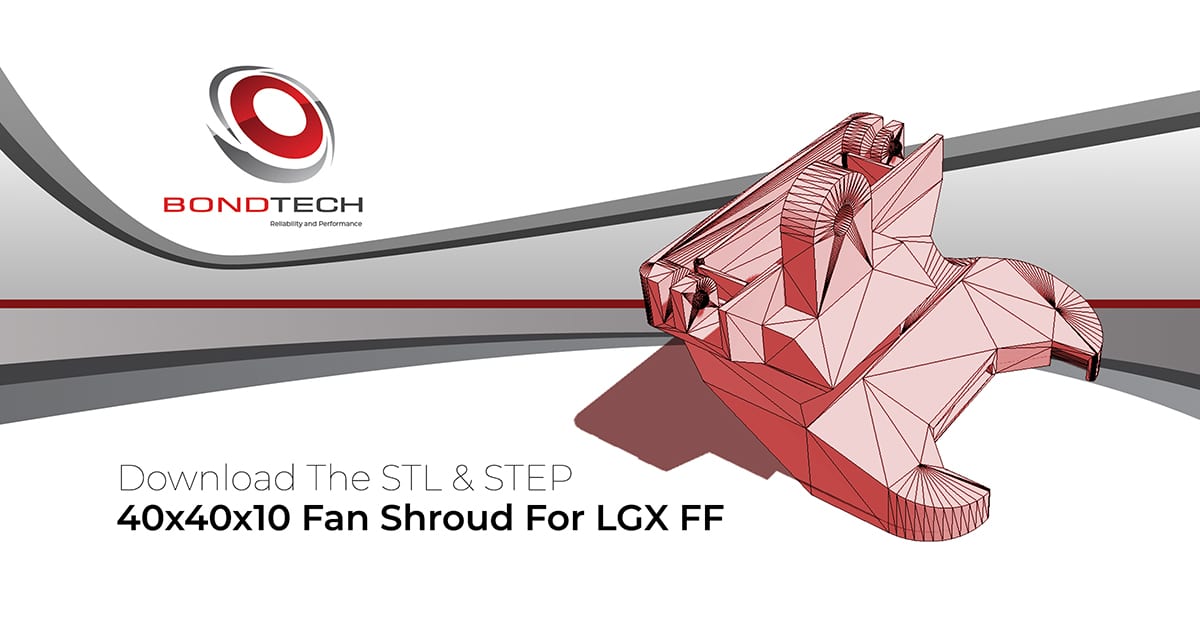
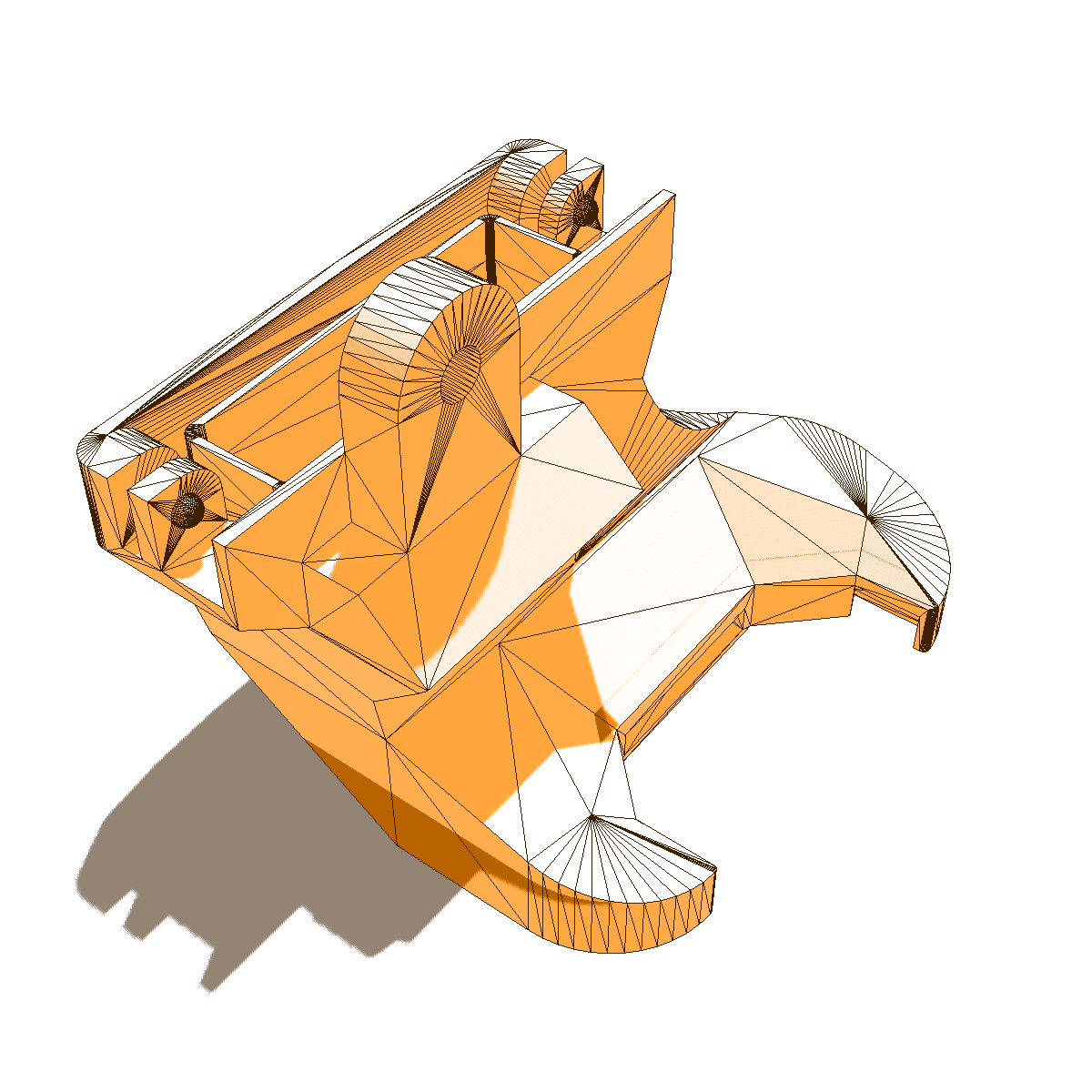
40x40x10 Fan Shroud For LGX™ FF


Download and 3D print it

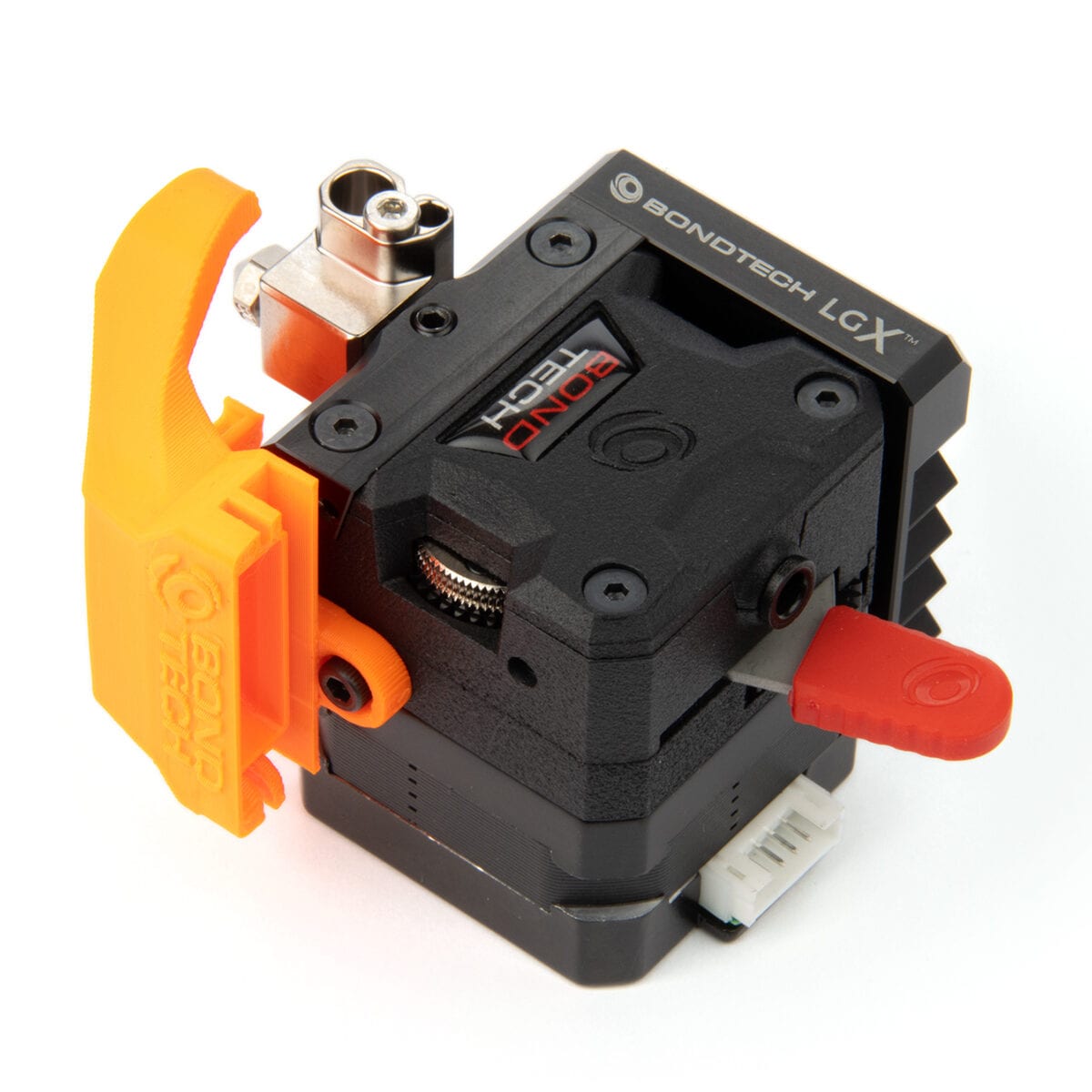
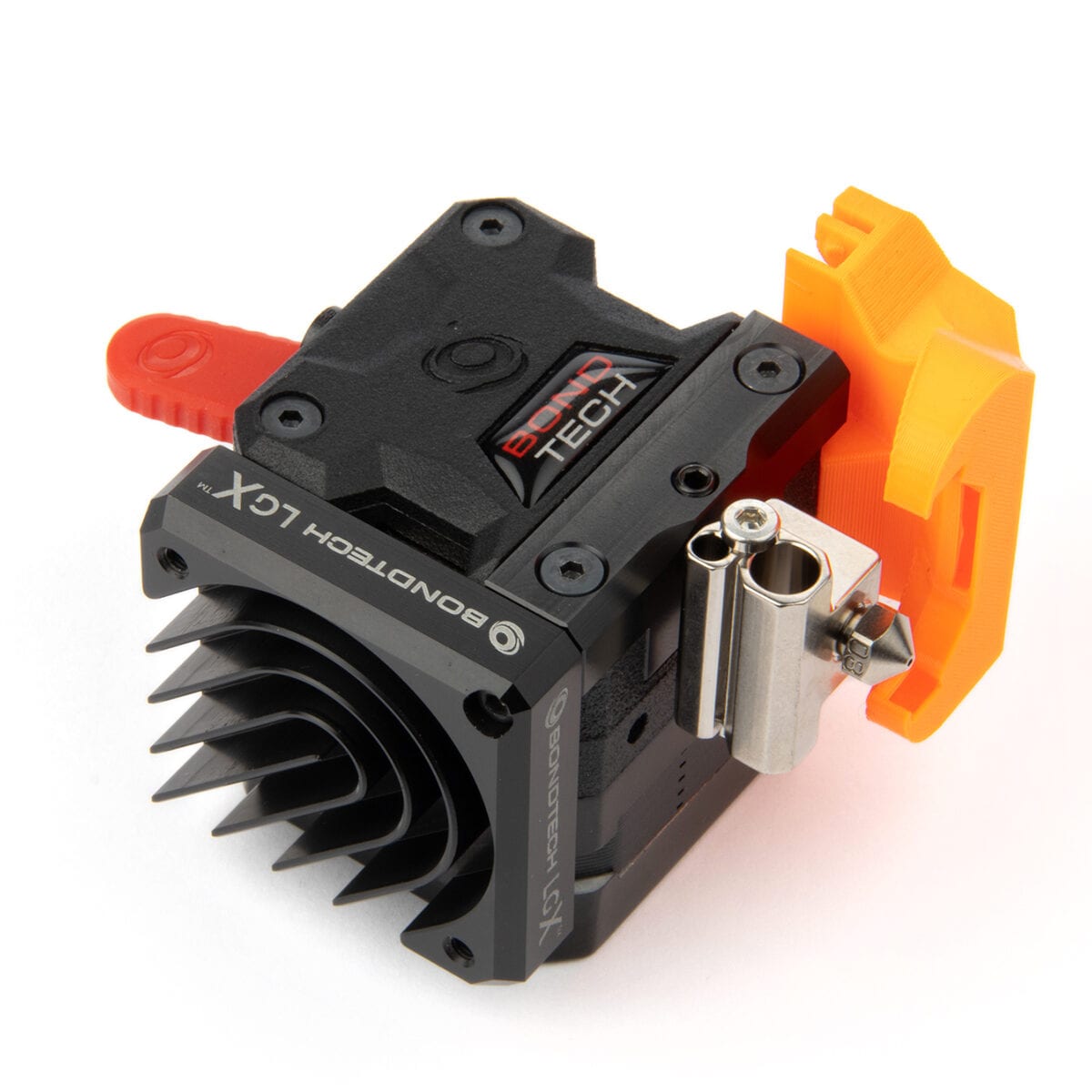
Bondtech is sharing a fan shroud design to use with the LGX™ extruder and tuned for the FF (For Flexibles) version.

It features a fan snap-in function and mounts on the right-hand side of the extruder using a single screw.

This model is shared in 2 different formats:

  • STL
  • STEP

With the STEP file you are able to make adjustments to the geometry, either to make it more printable or to fit the fan shroud to other setups.

The files may only be downloaded and used if you agree they:

  • are non transferable (you download them for your use only);
  • are supplied as they are (without the right for technical support);
  • grant you no rights to any of its intellectual property;
  • and are licensed only for non-commercial application.


Download The STL File
Download The STEP File

The STL file supplied may be 3D printed with filament or with any powder based additive manufacturing processes like Laser Sintering or Multi Jet Fusion.


The side mounting holes are 5mm deep. Use a M3 screw from 4 up to 6mm in length.


The model above is related to the following Bondtech Products:


Want to know more?

Register yourself or login to leave a Question, Reply or Comment in the section below.

If you didn't already, you can also subscribe to our newsletter to receive the short updates about our new products, updates or technology on your mailbox.

Thank you : )
A DIY Solution For Prusa Mini PTFE Replacement

Our customers asked for it.
we supply.

The PTFE tube, on our heat break upgrade for the Prusa Mini, is not reaching the hot zone, so contraction or deformation is hard to happen.

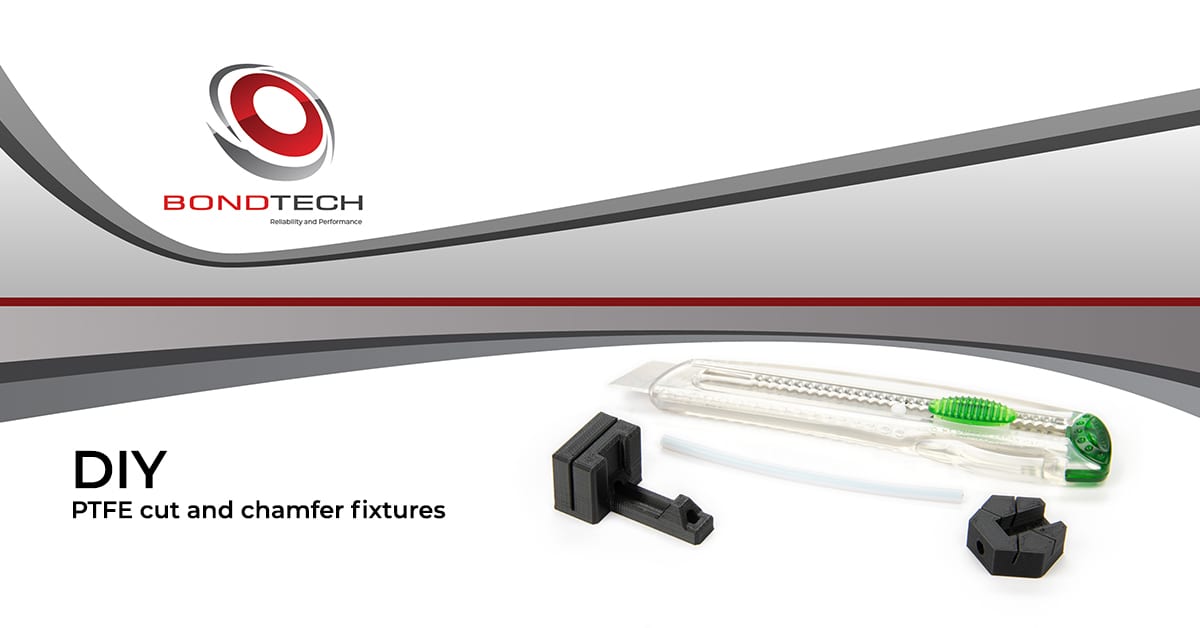
In the recent days we had multiple customers asking for a PTFE replacement part for that product. As this part is not available on our webshop, we found another way to expedite a solution.


Here with this post we deliver a solution for you to make it yourself, using our standard PTFE tube supply.

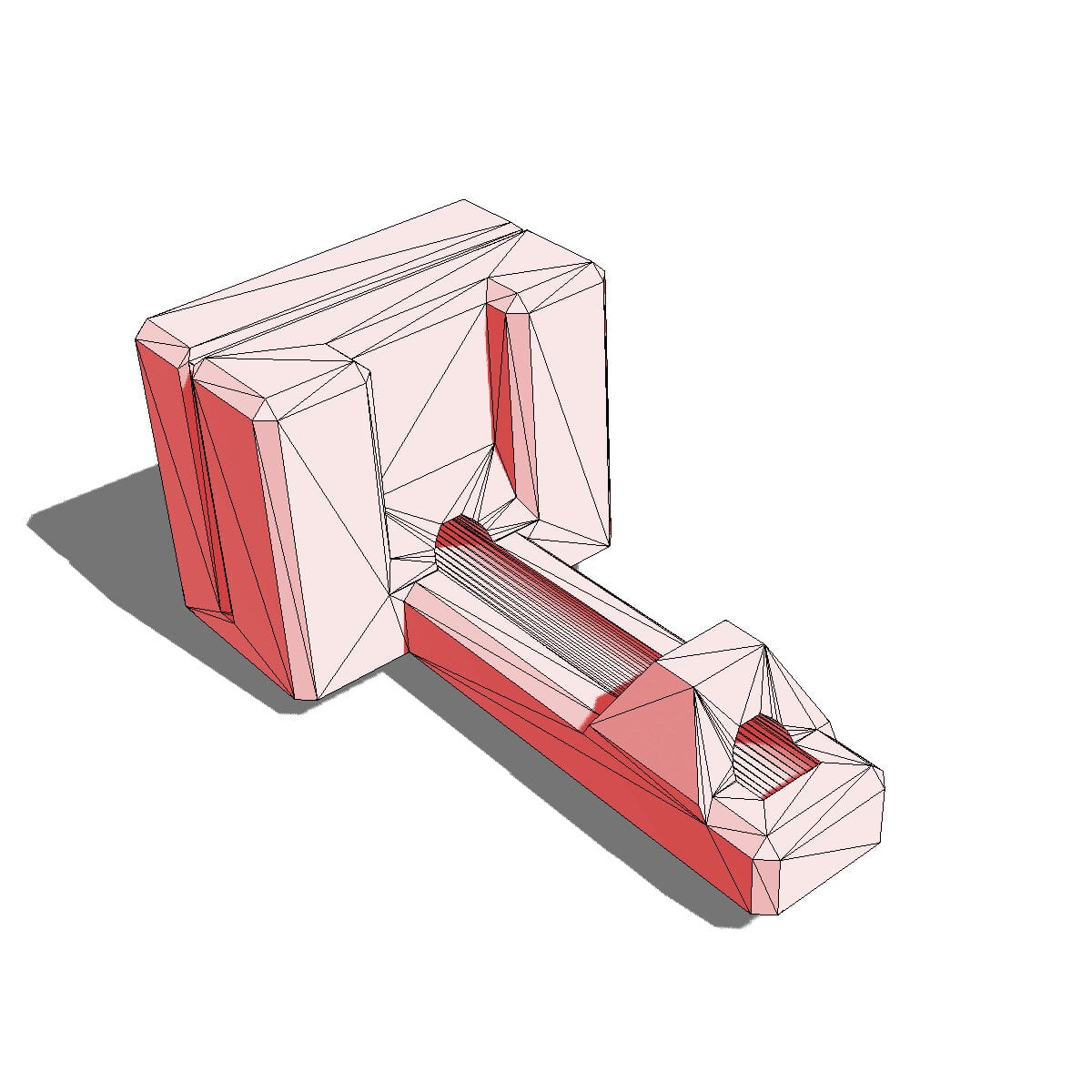
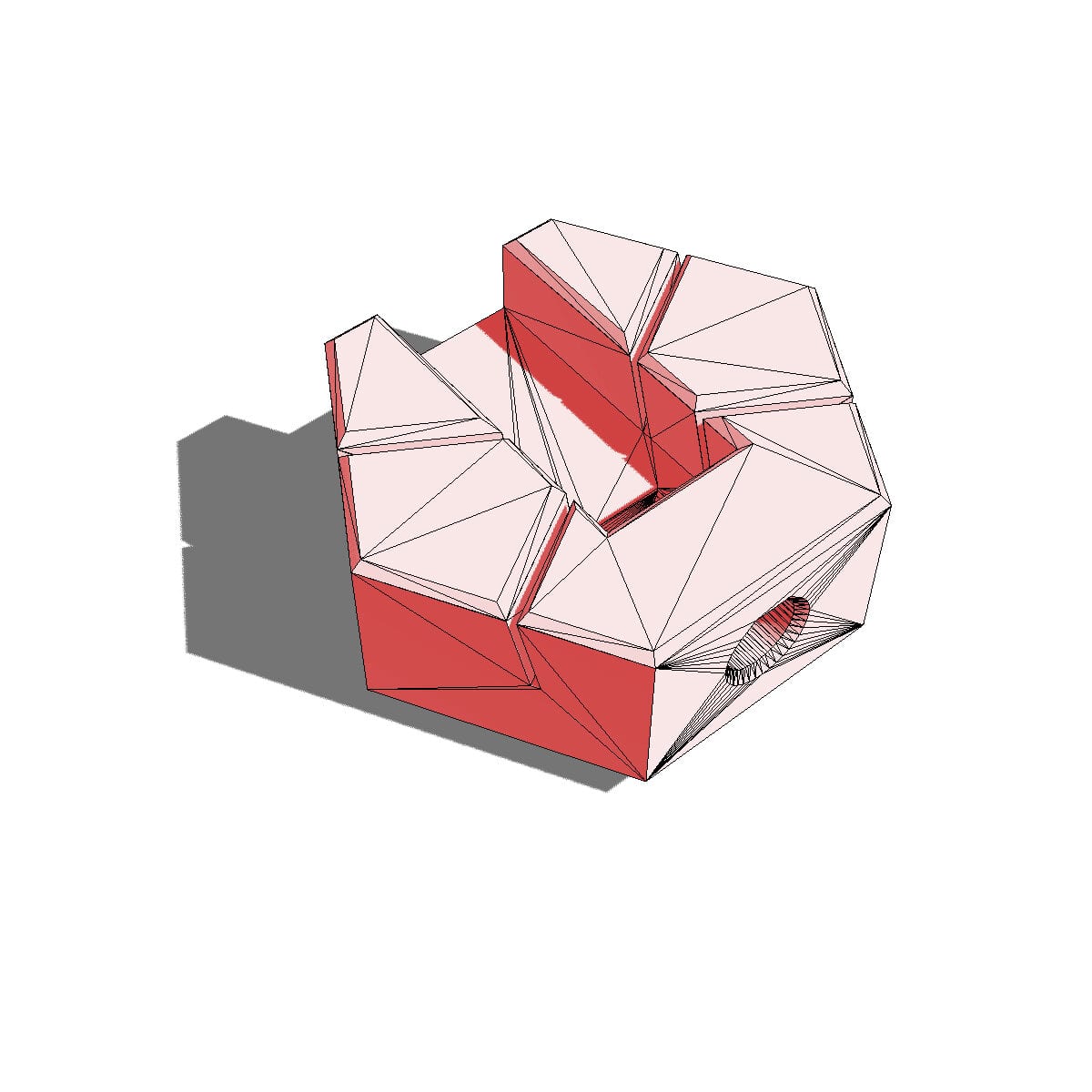
It is a simple method that uses 2 3D printed parts and a hobby knife.

We have a video on how to do it below, and also the links to download the STEP and/or STL models to print the cutting and chamfering fixtures.


https://youtu.be/rzOM4c1cHZE


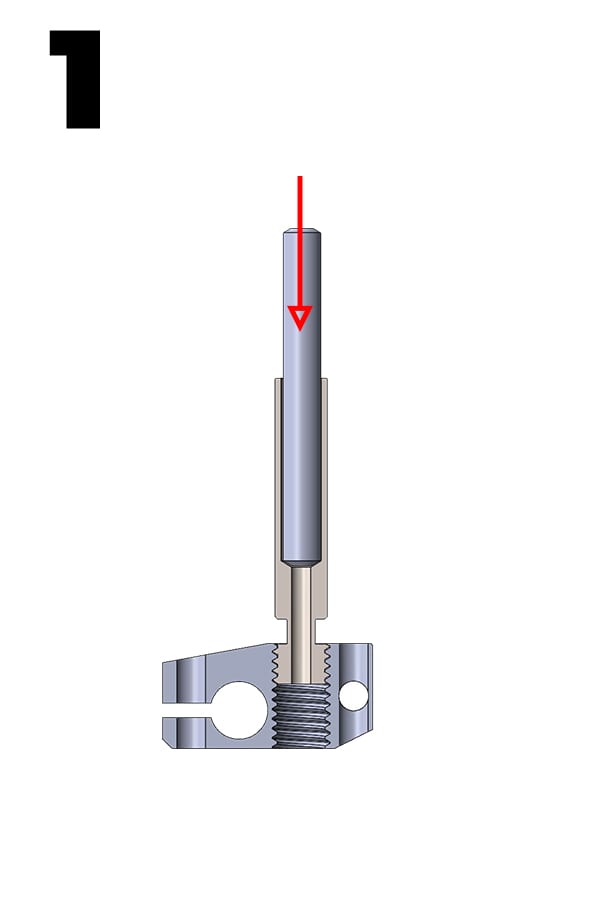
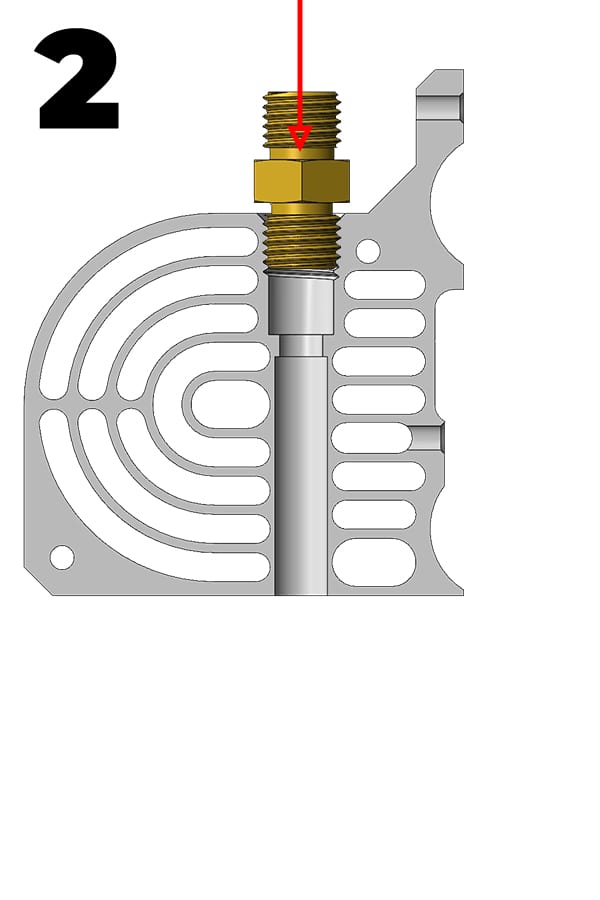
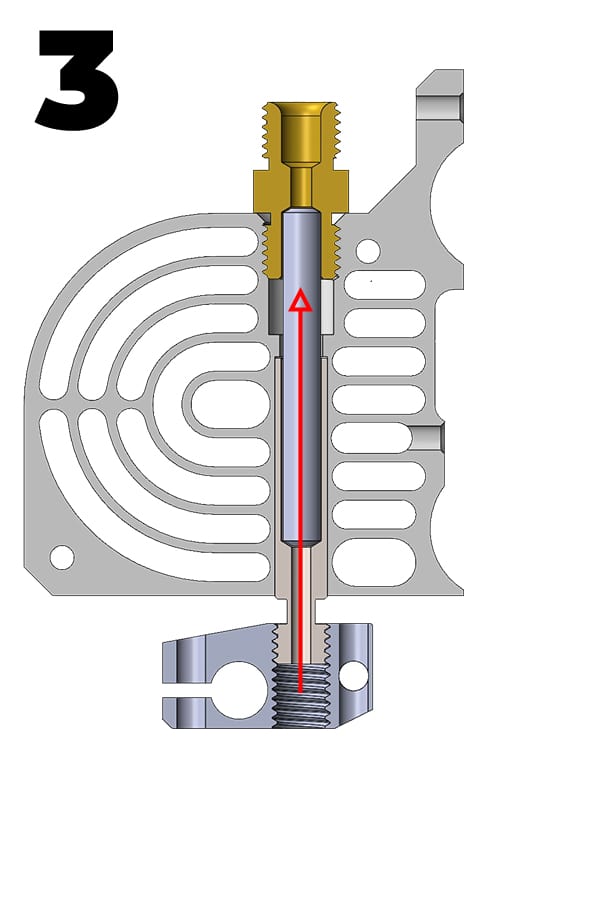
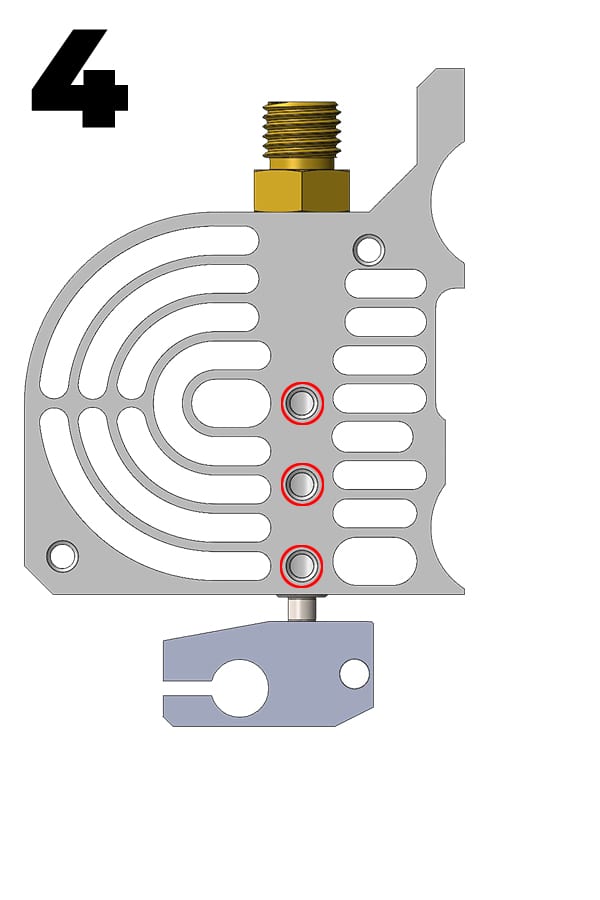
How to install the PTFE tube


Heat-break Upgrade Kit Step by step setup guide

Learn below a better method to install the PTFE tube in the Bondtech Heat Break for Prusa Mini.


Want to know more?

Register yourself or login to leave a Question, Reply or Comment in the section below.

If you didn't already, you can also subscribe to our newsletter to receive the short updates about our new products, updates or technology on your mailbox.

Thank you : )